
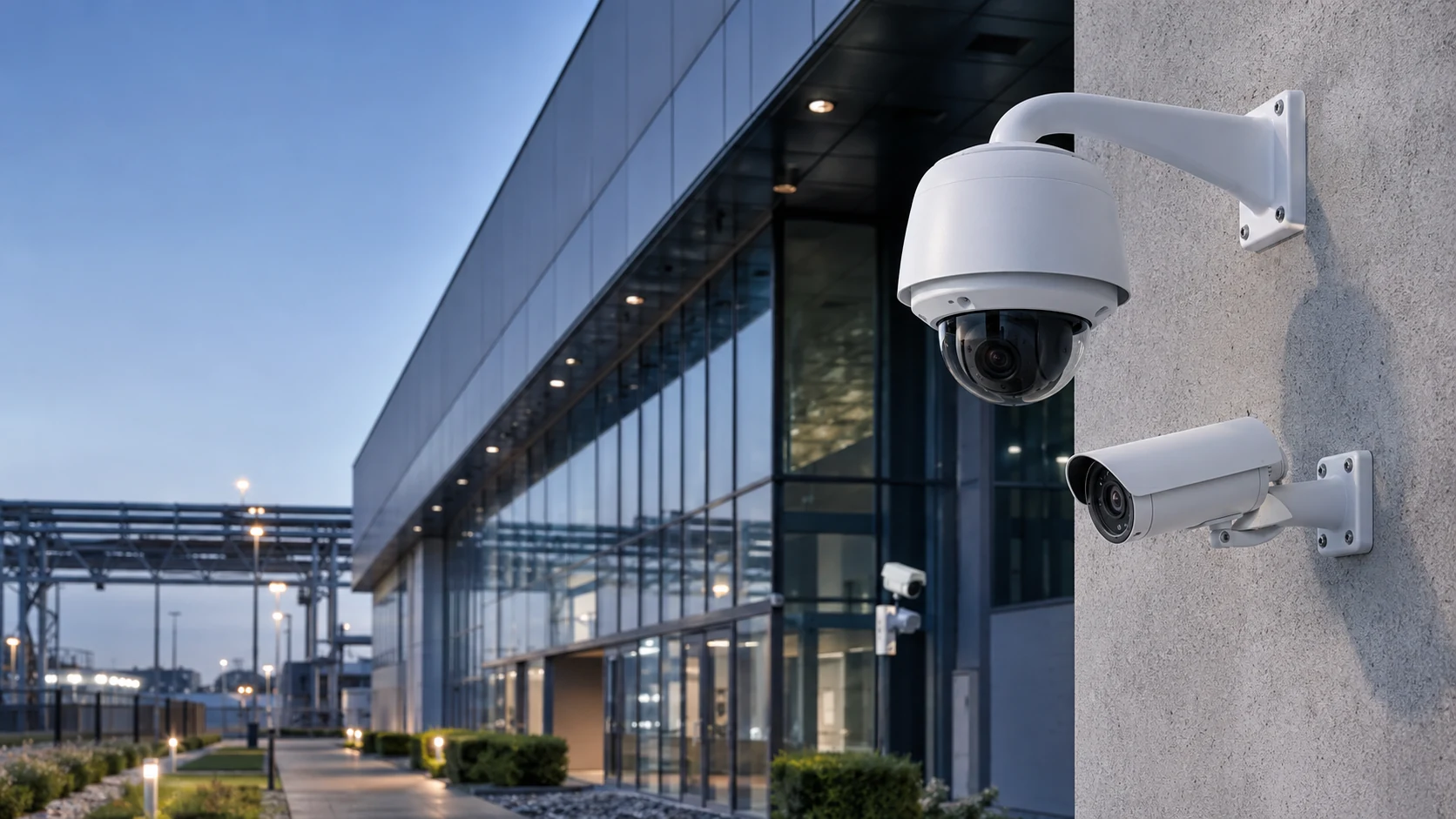
Loitering detection asks a deceptively simple question of a video stream: has this object stayed inside a defined area longer than it should have? Unlike motion detection, which fires on any movement, or line-crossing, which fires on a single transition, dwell-time analytics require the system to track an object continuously across frames, hold a running clock against it, and compare that clock to an operator-defined threshold tied to a specific zone. The output is not a snapshot event but a judgment about behavior over time, which is what makes it useful for flagging reconnaissance near a fence line, a vehicle idling in a loading zone, or a person waiting near a cash machine after hours.
The practical tradeoff sits between sensitivity and alarm volume. A short dwell threshold on a tightly drawn zone catches loitering quickly but also catches people who are waiting for a ride, smoking, or using a kiosk, producing alarms that security staff learn to ignore. A long threshold with a loosely drawn zone misses the early window when a response would matter most, such as the minutes before a break-in or an assault. Because the underlying detection is still just object tracking plus a timer, the quality of the outcome depends almost entirely on configuration choices made during commissioning rather than on the sophistication of the algorithm itself.
How Dwell-Time Detection Actually Works
Most edge and server-based implementations follow the same basic pipeline: a detector classifies and tracks objects (person, vehicle, or generic blob) frame to frame, a polygon or set of polygons defines the zone of interest, and a per-track timer increments while the object’s position remains inside that polygon. When the elapsed time exceeds the configured threshold, the system raises an event, typically carried as ONVIF metadata or a proprietary API callback to the video management system (VMS). ONVIF formalizes this as the Loitering Detector rule within its Analytics Service Specification, which pairs an area filter with a time parameter and emits a rule-engine event when the condition is met. Axis implements the same concept commercially through AXIS Loitering Guard and the “Time in area” scenario in AXIS Object Analytics, both of which track moving objects against a drawn area and trigger once the configured dwell time elapses.
A second, closely related technique is zone-based people counting and occupancy analytics, which uses line-crossing counters at zone boundaries to maintain a running occupancy figure rather than per-object dwell times. ONVIF’s Occupancy Counting rule works this way, incrementing and decrementing a counter as tracked objects cross barrier line segments around an enclosure. Occupancy counting is better suited to queue management and capacity limits than to individual loitering alarms, but the two approaches are frequently combined: occupancy data flags when a zone is unexpectedly busy for the time of day, while per-object dwell timers flag individual lingering within it.
Configuration and Tuning Considerations
Three settings dominate real-world accuracy. First, zone geometry: include and exclude areas should be drawn tightly around the behavior of concern and should exclude areas with legitimate dwell activity, such as benches, smoking areas, or delivery bays, that would otherwise sit inside the monitored polygon. Second, perspective or depth calibration: because a camera’s field of view compresses distance, most loitering applications include a calibration or “perspective” tool so the system can estimate real-world object size and filter out detections that are implausible for a person or vehicle at that depth, which materially reduces false triggers from distant background motion. Third, the dwell threshold itself, which should be set against observed normal behavior in that specific zone rather than a default value, since five seconds near a cash machine and five minutes near a loading dock represent very different baselines.
Most platforms also support multiple profiles on the same camera, for example separate day and night configurations, or different thresholds for different sub-areas of one scene, each generating independent alarms. Object-class filtering (person versus vehicle versus unclassified) and basic environmental filters for swaying foliage, shadows, or small animals are standard tuning levers that reduce nuisance alarms without touching the dwell logic itself. For the broader alarm architecture, see SectechMedia’s guide to video analytics and false alarms, which covers alarm-verification workflows that pair well with dwell-time triggers.
Common Failure Modes and Limitations
Loitering analytics fail in predictable ways. Occlusion and track loss are the most common: if a tracked person briefly passes behind a pillar, vehicle, or another pedestrian, some implementations reset the dwell timer when the track is lost and reacquired, allowing a determined subject to reset the clock simply by stepping in and out of partial cover. Group merging is another known issue, where overlapping individuals in a crowd are tracked as a single blob, which can either suppress an alarm (if the group’s combined presence reads as one short-duration object) or cause one persistent group-level alarm that security staff cannot easily resolve to an individual.
Lighting and contrast changes, including headlight sweep at night, shadows moving with the sun, and reflections on wet pavement, can degrade the underlying object detector enough to cause intermittent tracking, which in turn produces either missed dwell events or short-lived false ones. Edge-based analytics are also sensitive to camera mounting: a low, oblique angle that was never calibrated for perspective will systematically misjudge object size and distance, which is why vendor documentation consistently recommends specific mounting height and angle ranges for reliable detection. Finally, dwell-time logic by itself cannot distinguish intent; it only measures elapsed presence inside a polygon, so it will alarm on a delivery driver waiting for a signature exactly as readily as on someone casing a property, which is why these alarms are typically treated as a prompt for human or video-verified review rather than an automatic response trigger.
Integration With Broader Security Systems
On their own, dwell-time events are only useful if they reach a system that can act on them. The common path is for the camera or encoder to publish the event as ONVIF metadata or through a vendor API to the VMS, which then maps it to an operator alarm, a recording bookmark, or an automated response such as a PA announcement or lighting activation. Axis documentation describes exactly this pattern, where the loitering application integrates with the device’s event management functions so a VMS or access control platform can trigger automatic responses. ONVIF’s Profile M extends this further by standardizing metadata and event interfaces for analytics applications, including object counting and area-based rules, so that cameras and VMS platforms from different vendors can exchange this data without proprietary integration work. In larger deployments, dwell-time and occupancy metadata also feed PSIM platforms and business-intelligence dashboards, where the same raw signal used for a security alarm doubles as queue-length or space-utilization data for operations teams.
Commissioning Checklist
- Draw include/exclude zones tightly around the actual behavior of concern, excluding benches, smoking areas, and other legitimate-dwell locations
- Run the camera’s perspective or depth calibration tool so object-size filtering matches real-world scale at the zone’s distance from the lens
- Set dwell thresholds against observed normal activity for that specific zone and time of day rather than using default values
- Create separate day/night or time-based profiles where lighting conditions differ significantly across the same field of view
- Test with actual foot traffic patterns, including occlusion scenarios (people passing behind fixed objects), before go-live
- Confirm the event path end-to-end: camera or encoder metadata, VMS alarm mapping, and any downstream automated response
- Document mounting height, angle, and lens settings used during calibration so future maintenance can detect configuration drift
Leave a Reply