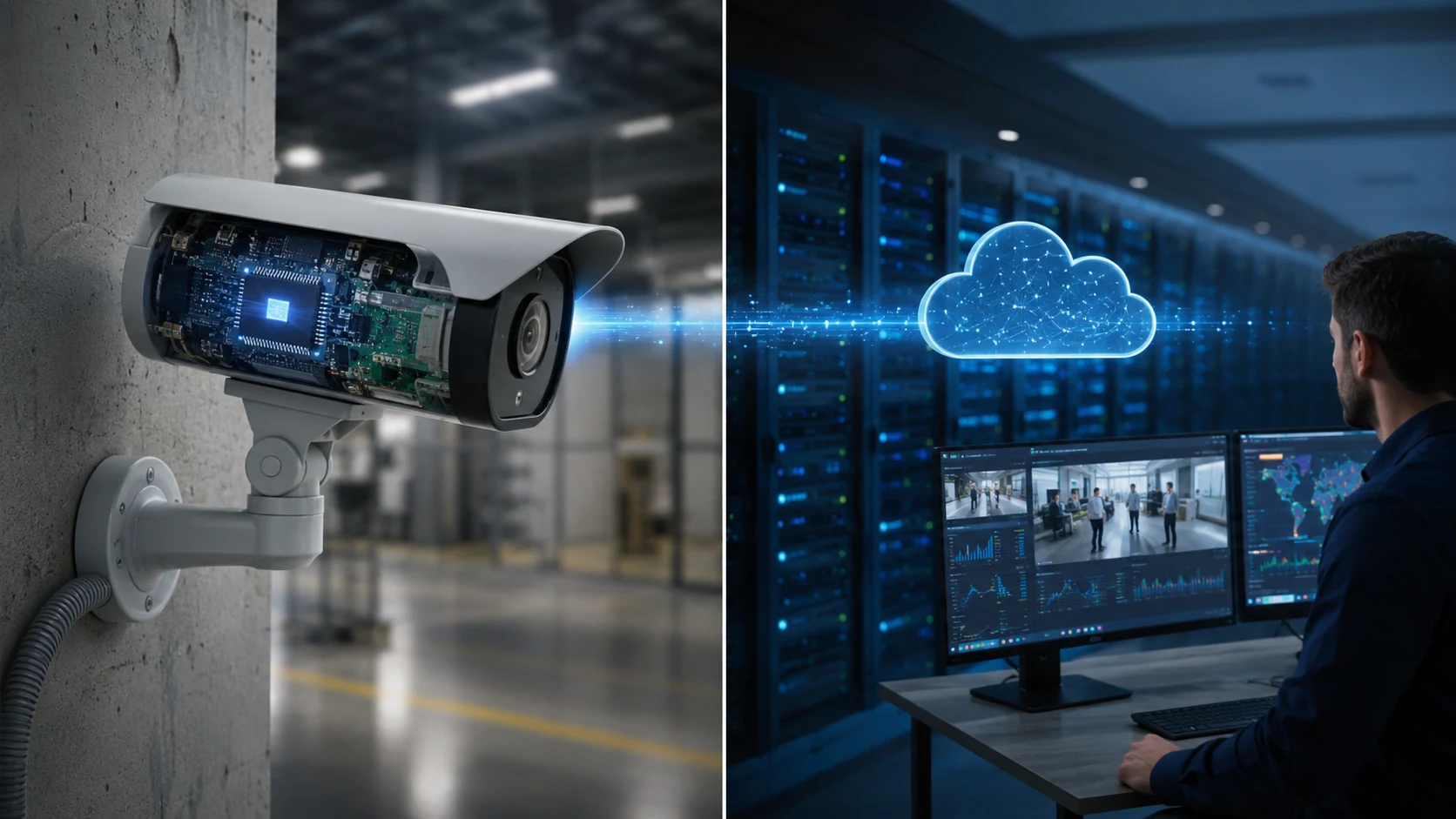
A Physical Security Information Management (PSIM) platform is middleware: software that sits above independent security subsystems, video management, access control, intrusion detection, fire panels, intercom, and perimeter sensors, and normalizes their events, alarms, and commands into one operational view. Rather than replacing those subsystems, a PSIM layer treats each as a data source and a controllable endpoint, connecting through vendor drivers or standardized interfaces and presenting operators with a single console, a shared map, and a consistent incident workflow regardless of which underlying system raised the alarm.
The practical choice most security directors face is whether to run PSIM middleware over a heterogeneous mix of best-of-breed subsystems, or consolidate onto a single vendor’s unified platform that natively combines video, access, and intrusion management. PSIM tends to win when an organization has already invested in disparate systems across multiple sites or acquisitions and cannot realistically replace them. A unified platform wins when the estate is smaller, greenfield, or willing to standardize on one manufacturer’s ecosystem for lower integration overhead. The decision hinges on the existing installed base and how much ongoing integration effort the security team can sustain.
What a PSIM Platform Actually Does
A PSIM system performs four functions: aggregation, correlation, visualization, and workflow automation. Aggregation happens through connectors (drivers, adapters, plug-ins) that translate each subsystem’s proprietary protocol or API into a common event model. Correlation logic then links related events, for example, a forced-door alarm combined with motion on an adjacent camera and a signal loss from a nearby intrusion sensor, and elevates them into one incident rather than three unrelated alerts. Visualization overlays correlated events on floor plans or site maps so operators see where an incident sits relative to other assets. Workflow automation, delivered as standard operating procedure (SOP) checklists, guides the operator through a scripted response: notify a supervisor, lock down adjacent zones, pull the relevant camera feed, dispatch a guard, and log every action for audit.
This differs from a video management system (VMS), built to manage camera feeds and recording, or an access control head-end, which manages credentials and doors. Both are subsystems a PSIM platform treats as sources and sinks; neither has a native concept of a fire alarm or an intercom call. Holding that cross-system context is the PSIM layer’s entire purpose.
Integration and Architecture Considerations
Because PSIM value depends on the quality of its integrations, architecture is really a connector-maintenance question. Some integrations run through standardized interfaces, ONVIF (Open Network Video Interface Forum) defines Profile S and T for video streaming and Profile C and A for access-control event and credential exchange, reducing custom driver work when vendors support them. Many enterprise integrations still rely on vendor-specific SDKs or proprietary drivers maintained by the PSIM vendor, the integrator, or a developer community, which is how platforms such as CNL Software’s IPSecurityCenter (now marketed as Everbridge Control Center) and Qognify’s Situator (now part of Hexagon’s dC3 Orchestrator line) have historically supported broad subsystem compatibility.
Deployment can be on-premises, in a private data center, or cloud-hosted, with edge gateways bridging to on-site subsystems where latency or segmentation requires it. Multi-site enterprises typically federate a central PSIM instance against regional servers to avoid a single point of failure and keep local alarm processing functional during a WAN outage. Segmenting the PSIM/IT environment from the operational subsystems is a recurring design requirement, since the PSIM server becomes a trust boundary with read and write access across the enterprise’s physical security controls. For related operations guidance, see SectechMedia’s guide to security control room ergonomics.
Common Failure Modes and Limitations
The integration layer that makes PSIM valuable is also its principal source of risk. Driver maintenance is ongoing: a subsystem firmware or software update can break the corresponding PSIM connector, and this burden rarely disappears after commissioning. Projects routinely underestimate the effort needed to map every subsystem’s event taxonomy into correlation rules, turning a planned months-long rollout into a multi-year program across large estates with legacy equipment lacking modern APIs.
Alarm correlation is double-edged: poorly tuned rules either suppress distinct incidents by over-correlating, or flood operators with duplicates when logic is too conservative, reproducing the alarm fatigue the platform was meant to solve. Total cost of ownership is also commonly underestimated, since licensing is often tied to connected device or subsystem counts, so every added camera, reader, or sensor can carry incremental PSIM cost on top of the subsystem vendor’s own charges. Because PSIM depends on data from third-party systems it does not control, it is also exposed to those vendors’ roadmaps, a discontinued SDK, licensing change, or acquisition can degrade an integration the customer cannot fix directly.
Where PSIM Fits in Enterprise Security Operations
In a mature security operations center (SOC) or global SOC, PSIM typically sits between individual subsystem head-ends and higher-order functions such as critical event management and mass notification. Subsystems remain the authoritative record for their own domain, the VMS retains the forensic video archive, the access control system remains the system of record for credentials, while PSIM provides the cross-domain situational picture and the audit trail of how operators responded. Vendors including Everbridge and Noggin now position PSIM-derived platforms as extending into broader critical event management, reflecting a trend of correlation functionality converging with enterprise resilience workflows rather than remaining a narrowly scoped security tool.
For organizations weighing whether to introduce or replace a PSIM layer, the decision should rest on the realistic diversity and lifespan of the existing estate, the capacity to maintain connectors over time, and whether cross-system correlation justifies the added complexity and cost over standardizing on fewer, natively unified platforms where feasible.
Evaluation Checklist
- Confirm which subsystems need custom drivers versus standardized interfaces (ONVIF Profile C/A, S/T) and who maintains each connector long-term.
- Request a reference architecture for behavior during a WAN outage, including whether local alarm processing continues without a central server.
- Clarify the licensing model (per device, connector, or seat) and model total cost of ownership as the estate grows.
- Review correlation rule configuration and ask for evidence of alarm-fatigue outcomes from comparable deployments.
- Verify how credential, cardholder, and video data retention map to compliance requirements for the industry and jurisdiction.
- Assess vendor and integrator continuity risk: connector maintenance history and exposure to subsystem SDK or licensing changes.
- Pilot against a representative subset of real subsystems and workflows before an enterprise-wide rollout.