A visitor management system (VMS) is the software and hardware layer that governs who is allowed into a facility temporarily, how that permission is verified at the door, and how long it lasts. In its simplest form it replaces the paper sign-in log and adhesive name badge with a digital record, a printed or mobile credential, and an audit trail. In its more developed form, a VMS pre-screens guests before they arrive, checks their identity against internal and external watchlists, notifies the employee they are visiting, and issues a time-bound credential that can open specific doors through the building’s access control system.
The core practical tradeoff in deploying a VMS is between friction and assurance. A lobby that demands government ID scanning, photo capture, NDA signature, and a watchlist check for every guest produces a strong audit record but slows down legitimate visitor flow and raises data-retention and privacy questions. A lobby that only asks for a name and who the visitor is meeting is fast but offers little evidence of who was actually in the building, and gives security staff no advance warning if a flagged individual has been invited. Most deployments sit somewhere between these poles, with the exact setting driven by the facility’s risk profile, regulatory obligations, and the sensitivity of the areas a visitor could reach.
How the Visitor Workflow Operates
A typical VMS workflow has three stages: pre-registration, on-site check-in, and credential issuance. During pre-registration, a host (the employee being visited) or an administrative assistant enters the visitor’s name, company, and visit purpose into the system ahead of time, often triggering an automated email or SMS with a QR code, parking instructions, or a pre-fill link for required paperwork such as an NDA or safety briefing acknowledgment. This step allows screening and compliance checks to happen before the visitor is standing at the front desk, which both speeds up arrival and gives security staff time to react to a flagged result.
At check-in, the visitor presents the QR code, scans a driver’s license or passport, or is looked up by name at a kiosk or staffed desk. The system captures a photograph (either from the ID scan or a webcam), timestamps arrival, and generates a badge, typically a self-expiring adhesive label printed with the visitor’s name, photo, host, and date, so that the badge visually invalidates itself after one day. Simultaneously, the system fires a host notification through email, SMS, Slack, Teams, or a dedicated mobile app, prompting the employee to come meet their guest. Checkout, whether manual or automatic at end-of-day, closes the visit record and is what ultimately produces an accurate presence log for emergency accountability and compliance audits.
Watchlist and Denied-Party Screening
Screening is the step that differentiates a basic sign-in app from a security-grade VMS. At check-in, or immediately after pre-registration data is submitted, the system runs the visitor’s name (and sometimes date of birth or ID number) against one or more reference lists. These commonly include an organization’s own internal “do not admit” list (former employees terminated for cause, banned contractors), national sex-offender registries, and, for regulated industries such as defense, aerospace, and critical infrastructure, government restricted-party lists such as the U.S. Treasury’s Specially Designated Nationals (SDN) List and other denied-party lists maintained under export-control and sanctions law. Matching is almost always approximate rather than exact, using fuzzy name-matching logic, because transliteration, middle names, and common surnames produce frequent near-matches that require human review rather than automatic denial.
A match does not usually trigger an automatic lockout by itself; most deployments route a flagged result to a security operator for adjudication before the visitor is denied entry or admitted under escalated supervision. This human-in-the-loop step matters because false positives are common with common names, and an automatic hard-deny without review creates both operational friction and potential liability. For organizations with export-control or sanctions exposure, screening every visitor, vendor, and contractor against denied-party lists is treated as part of the same compliance obligation that applies to screening business counterparties.
Deployment and Configuration Considerations
Getting a VMS configuration right involves balancing several operational variables rather than following a single default. Facilities should decide, per visitor category (contractor, interview candidate, vendor, VIP, family member in a healthcare setting), what data is captured, whether ID scanning is mandatory, and what paperwork must be electronically signed before badge printing is allowed. Badge design should avoid displaying sensitive information such as full ID numbers, and should use a self-voiding or color-changing design so an expired badge is visually obvious to anyone who sees it the next day. Pre-registration should be the default path for expected guests, since it front-loads screening and paperwork, and most platforms allow hosts to batch-register attendees for meetings or events rather than entering each person manually at the desk.
Network and power resilience also matters in practice: a kiosk that cannot print a badge during an internet outage effectively shuts down the lobby, so offline check-in and local badge printing with delayed data sync is a meaningful resilience feature rather than a convenience one. For broader context, see SectechMedia’s guide to access credential revocation and offboarding, since visitor credentials follow the same expiration and revocation logic that employee credentials do, just compressed into a single day.
Common Failure Modes and Privacy Considerations
The most frequent operational failure is badge tailgating and reuse: a self-expiring badge only works if staff actually glance at badges throughout the day, and a visitor who removes a lanyard badge can sometimes re-enter without re-checking in if door staff aren’t attentive. A second common gap is incomplete checkout, since visitors routinely forget or are not prompted to check out, which corrupts the presence log used for fire-drill accountability and after-the-fact incident investigation. Retained visitor data, names, photographs, ID scans, and signatures, also creates a privacy and data-retention obligation; organizations operating in the EU or California, for example, need a defined retention period and deletion policy for this personal data rather than indefinite storage, and should disclose what is collected and why at the point of check-in.
Integration With Access Control Systems
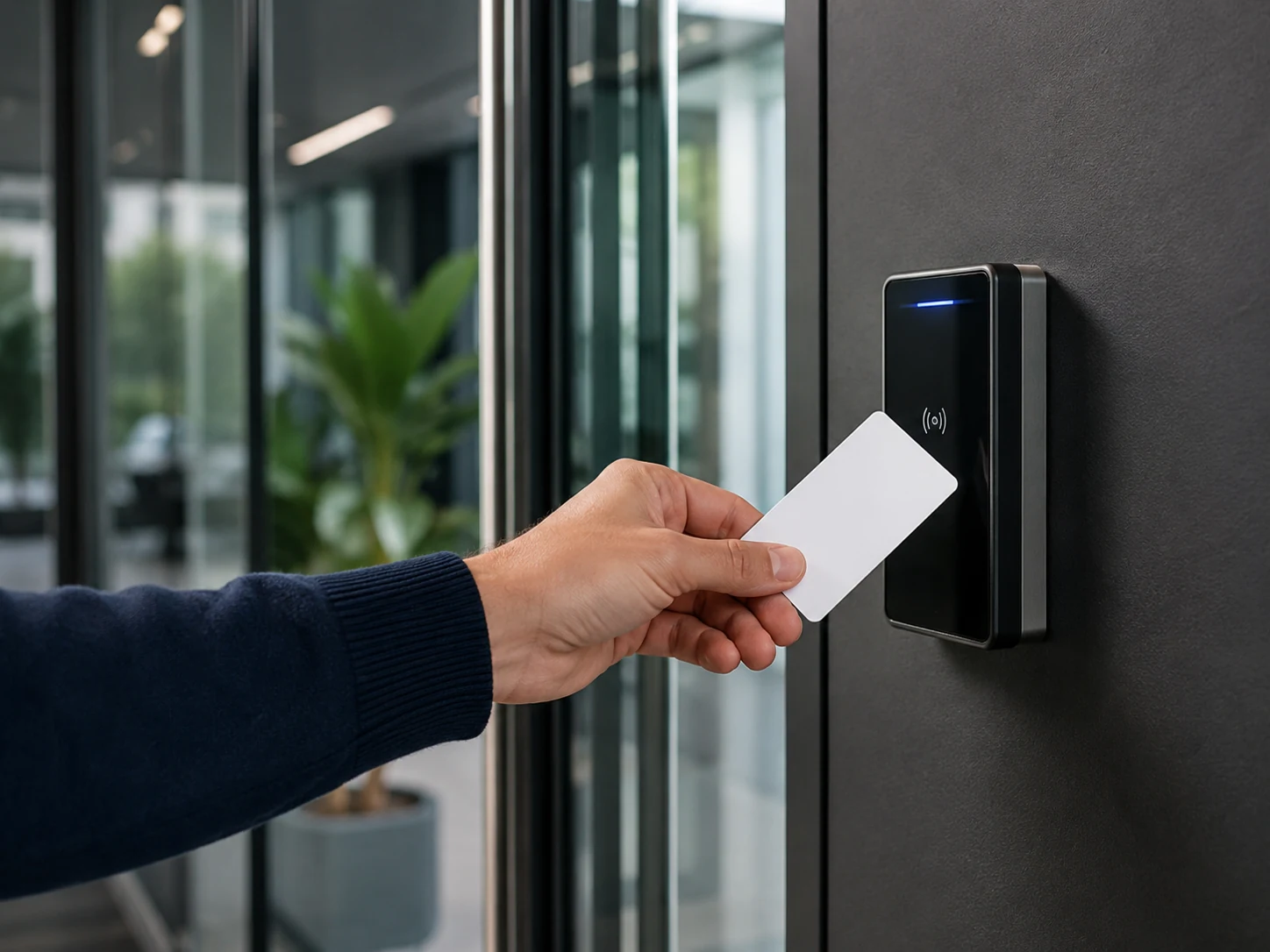
The practical value of a VMS increases substantially when it is integrated with the facility’s access control system (PACS) rather than operating as a standalone kiosk. In an integrated deployment, badge issuance in the VMS triggers the PACS to provision a temporary credential, often encoded on the printed badge itself or issued as a mobile/Bluetooth credential, scoped to specific doors, floors, or time windows and set to auto-expire at a defined time. This means a visitor badge that works at the lobby turnstile and one conference room does not need a separate manual step in the access control software, and it ensures the credential is automatically revoked rather than relying on someone remembering to deactivate it. Most enterprise-grade access control panels and readers communicate using the Security Industry Association’s Open Supervised Device Protocol (OSDP), an encrypted, bidirectional standard (also published as IEC 60839-11-5) that has largely superseded the older unidirectional Wiegand interface; VMS-to-PACS integrations typically rely on vendor APIs or software development kits rather than the reader-level protocol itself, but the underlying credential still has to be provisioned onto a PACS-compatible reader infrastructure. Where facilities issue federal PIV credentials, NIST SP 800-116 Rev. 1 provides the government’s framework for how such credentials should be authenticated at PACS-controlled doors, which is a useful reference point even for private-sector PACS design.
Deployment Checklist
- Define visitor categories (contractor, guest, vendor, VIP) and set a distinct data-capture and approval workflow for each
- Enable pre-registration as the default path so screening and NDA signatures happen before arrival
- Configure watchlist screening sources appropriate to the facility’s regulatory exposure, and route matches to human review rather than automatic denial
- Set badges to self-expire visually (color change or voided stamp) by end of day and confirm host notification channels are tested and reliable
- Integrate badge issuance with the access control system so credentials are scoped to specific doors and auto-revoked at expiration
- Document a data-retention and deletion policy for visitor PII, ID scans, and photographs
- Test offline check-in and local badge printing to confirm the lobby can still operate during a network outage