Category: Articles & Analysis

Long-form guides, explainers, comparisons, analysis and sector assessments.

  • Power Resilience and Battery Autonomy for Electronic Security Systems

    Power Resilience and Battery Autonomy for Electronic Security Systems

    Electronic security systems depend on power at cameras, controllers, locks, servers, network switches, communications links and operator workstations. A central uninterruptible power supply may keep the server running while field devices fail. Power resilience therefore begins with the complete operational path, not a single battery specification.

    Define the required security state

    The design team should decide what must remain operational during an outage and for how long. The answer may differ by function. Perimeter detection might need continuous coverage, while selected cameras can move to a reduced frame rate. Access-controlled doors may need to follow life-safety release rules while controllers and event logging remain powered.

    Document the protected loads, acceptable degradation and recovery priorities. Include supporting equipment such as PoE switches, wireless bridges, time servers and monitoring gateways. A device that has power but no network path may still be operationally unavailable.

    Calculate with measured loads and aging

    Battery autonomy should be based on realistic load measurements, conversion losses, temperature and expected aging. Nameplate maximums can overstate normal demand, while a snapshot taken during quiet operation can miss heaters, illuminators, charging or peak lock activity. Use a conservative design method and record the assumptions.

    Battery chemistry, enclosure ventilation and maintenance requirements affect the installation. Capacity normally declines over time, so a system that barely passes at handover may fail before the next planned replacement. Distributed field supplies also need identification and service access.

    Coordinate UPS, generator and network recovery

    Where a generator is available, the battery must bridge startup and transfer without dropping critical loads. Test actual transfer behavior, not only the calculated interval. Some devices reboot after a short disturbance even when average voltage appears acceptable. Network equipment and servers may recover in the wrong sequence, leaving cameras or controllers disconnected.

    A recovery plan should define how services restart, how configuration is preserved and which alarms indicate degraded power. Remote monitoring of battery and supply health is useful only when thresholds are maintained and someone owns the response.

    Test failure modes safely

    Acceptance testing should simulate loss of normal power under controlled conditions. Verify runtime, alarms, transfer, reduced-operation modes and restoration. Inspect event timestamps and confirm that evidence is not lost or corrupted. If the full outage cannot be tested, document the limitation and use component tests with a clear engineering justification.

    Trend results over successive tests rather than recording only pass or fail. A shortening runtime can reveal battery deterioration, increased load or poor environmental conditions before the system falls below its required autonomy.

    Repeat testing after battery replacement, load expansion or major network change. Power resilience is part of industrial safety and monitoring, not a one-time electrical calculation. A reliable design makes the degraded state visible and ensures that restoration does not create a second outage.
    Reference sources

  • Perimeter Radar Commissioning: Clutter Maps, Zones and Target Validation

    Perimeter Radar Commissioning: Clutter Maps, Zones and Target Validation

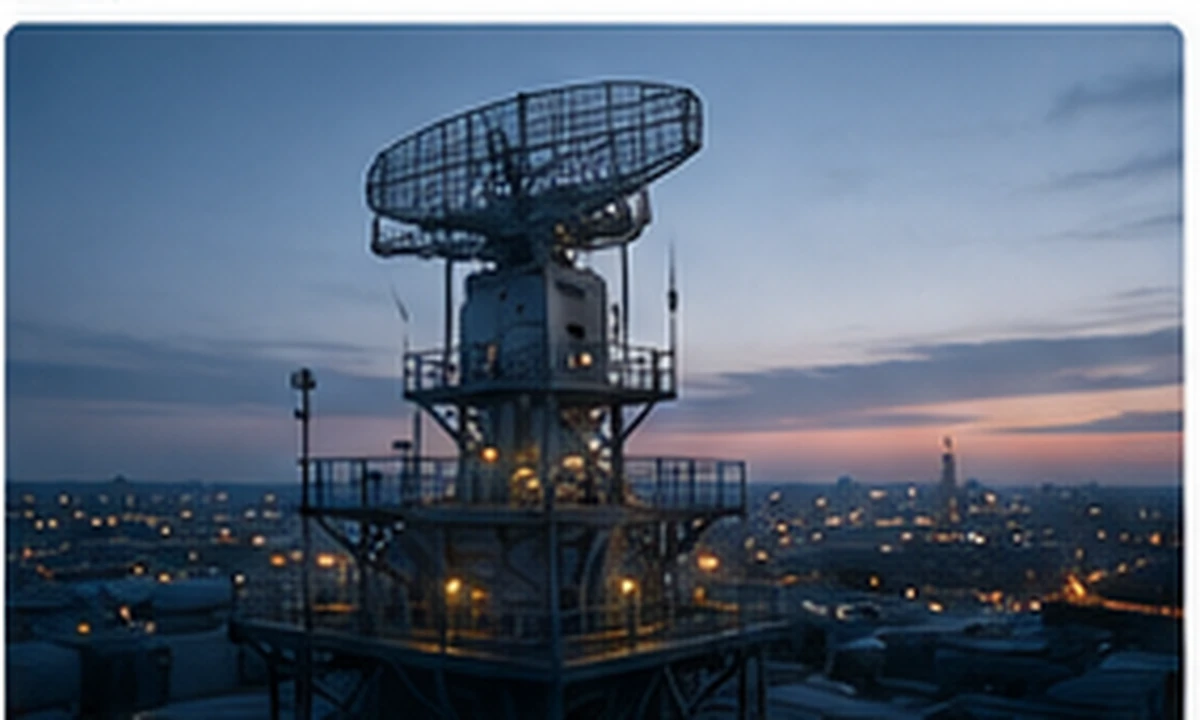
    Perimeter radar commissioning is the process of turning a correctly installed sensor into a verified detection capability. The work includes mapping the real environment, defining alarm zones, testing representative targets and proving the handoff to cameras and operators. Default settings cannot account for every fence, slope, road or moving object around a site.

    Build a site-specific clutter picture

    Radar returns may come from vegetation, water, vehicles outside the boundary, rotating equipment, animals and other environmental movement. The commissioning team should observe the site over representative periods rather than tune the system during one quiet hour. Weather and seasonal conditions can change the background significantly.

    Clutter suppression must be used carefully. A filter that removes nuisance tracks can also reduce sensitivity to a real intruder moving near the same object. Record why an exclusion or threshold was introduced and retest the affected route with a representative target.

    Define zones around decisions

    Detection zones should correspond with security actions. An outer awareness zone may cue a camera, while a protected inner zone may create a high-priority alarm. Boundaries need enough separation to avoid rapid state changes when a target moves near an edge. Roads and public paths should be handled explicitly rather than left to repeated operator dismissal.

    Height, direction, speed and track-duration rules can improve classification, but each additional rule creates another way to miss unusual behavior. The design should remain understandable to operators and maintainers.

    Use representative target tests

    Testing should cover walking, running, crawling where relevant, groups, vehicles and movement across and toward the radar. Routes should include fence lines, terrain depressions and the edges of coverage. Record the path, target, time, weather, result and track continuity. Maximum-range claims are less useful than repeatable performance in the site’s critical zones.

    For counter-UAS applications, use authorized and safely managed targets appropriate to the requirement. Small aerial targets present different signatures and legal constraints from ground intrusion.

    Verify integration and operator workload

    An alarm should reach the command platform with the correct zone, priority and timestamp. If radar cues a PTZ camera, verify that the view is useful and that calibration remains accurate at multiple points. Operators should be able to distinguish a new alarm from an existing track and understand why the system classified it.

    Measure operator workload during a realistic observation period. A technically valid detection rate can still be operationally poor if recurring nuisance tracks overwhelm the team or if camera cueing repeatedly points to unusable views.

    Commissioning closes with an agreed acceptance record, baseline configuration and maintenance plan. Changes to vegetation, construction or neighboring traffic should trigger review. Radar becomes dependable perimeter security only when site-specific validation links detection to a clear response.

    Shift changes should be included because procedures and experience vary among operators.

    Reference sources

  • Fire Alarm Cause-and-Effect Matrix Testing Explained

    Fire Alarm Cause-and-Effect Matrix Testing Explained

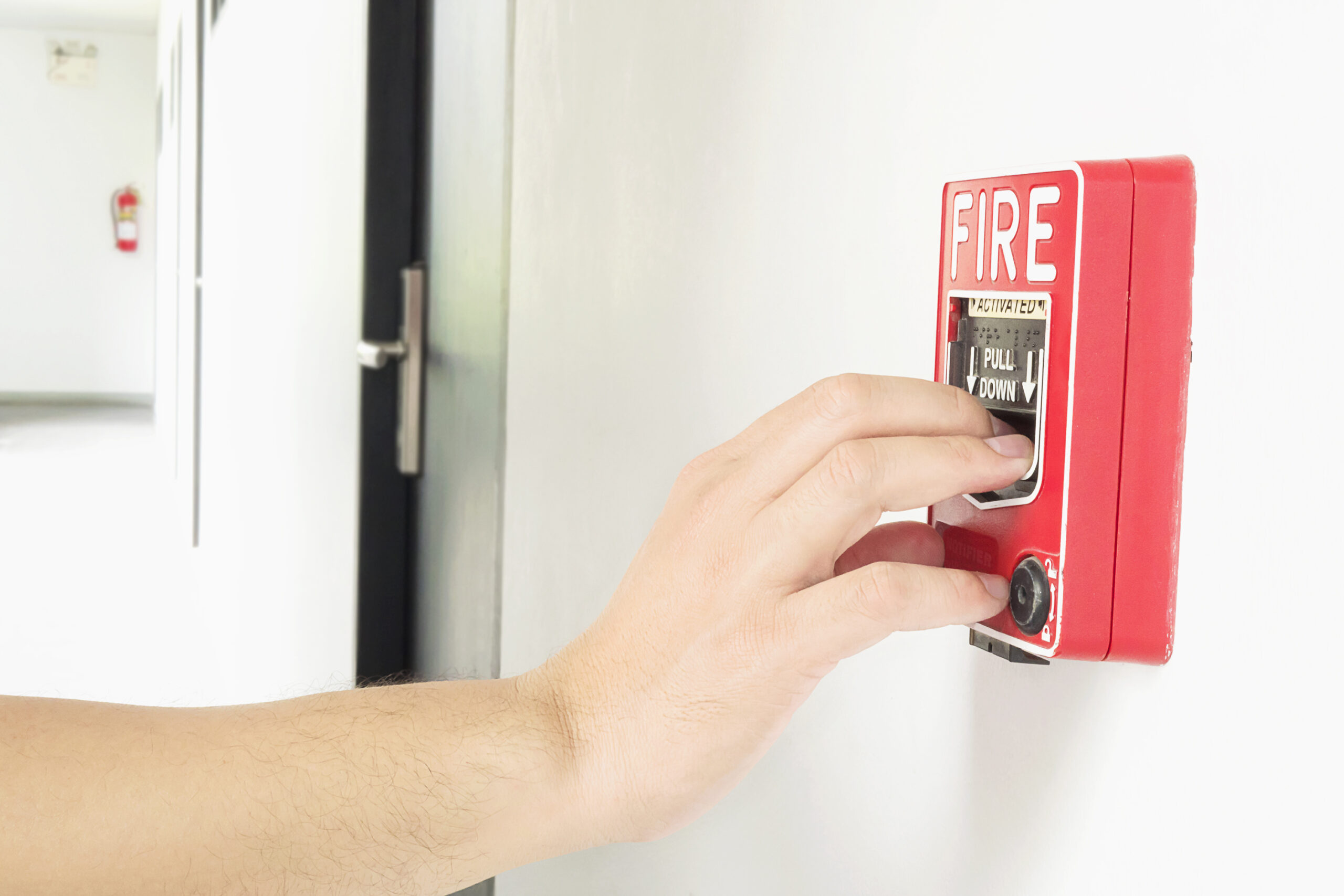
    A fire alarm cause-and-effect matrix defines what the building should do when a specific input or combination of inputs occurs. A smoke detector may initiate evacuation signals, release doors, recall elevators, stop air-handling equipment and notify a monitoring center. Testing the detector alone does not prove that this sequence works.

    What the matrix should contain

    The matrix normally lists initiating events on one axis and required outputs on the other. Inputs may include automatic detectors, manual call points, sprinkler flow, supervisory signals and faults. Outputs can include notification zones, smoke-control commands, fire-door release, elevator interfaces, suppression release logic and messages to external monitoring.

    The document must reflect the approved fire strategy and applicable code requirements. It should identify delays, coincidence logic, dependencies and exceptions. Generic text such as “all systems operate” is not testable. Each expected action needs an observable result and a responsible discipline.

    Prepare an integrated test

    Before testing, confirm that the matrix version matches the installed programming and current building layout. Coordinate fire alarm, mechanical, elevator, door, suppression and monitoring contractors. Notify occupants and authorities as required, establish impairment controls and prevent an unintended emergency response.

    Tests should be planned so that inputs and outputs are observed at their real interfaces. A software indication at the fire panel is not proof that a damper moved or a door released. Where testing a physical action is unsafe or impractical, the alternative method and limitation should be documented.

    Test sequences, failures and recovery

    Verify single inputs, combined inputs and reset behavior. Confirm that priorities are correct when fire and security commands conflict. Door access control, for example, must not prevent the required life-safety release. Check how the system behaves during communication loss, disabled points and power transfer.

    Recovery matters as much as activation. After reset, equipment should return to the intended state without leaving doors, fans or interfaces in an unsafe condition. Operators need a clear indication when a field device requires manual restoration.

    Include negative tests where they can be performed safely. A supervisory input should not start an evacuation sequence unless the approved design calls for it, and an isolated output should generate a visible impairment rather than failing silently.

    Evidence and change control

    Record the test input, expected output, observed result, time, witness and defect. Screenshots can support the record but should not replace signed field observations. Defects must be corrected and the affected sequence retested; broad statements that a problem was “resolved” are insufficient.

    Any later change to fire logic, access control, elevators or smoke control should trigger matrix review. This discipline connects fire detection and automatic protection with the systems it commands. A tested matrix provides evidence that the building responds as a coordinated life-safety system rather than a collection of individually functional components.

    Reference sources

  • Anti-Passback and Occupancy Accounting in Access Control Systems

    Anti-Passback and Occupancy Accounting in Access Control Systems

    Anti-passback is an access-control rule that compares a credential’s expected location with the direction of the next transaction. If the system records that a badge entered a controlled area, a second entry may be rejected until a corresponding exit is recorded. The same state data can support occupancy estimates, but only when the physical and operational design is consistent.

    Hard, soft and timed enforcement

    Hard anti-passback denies a transaction that violates the expected sequence. Soft anti-passback allows access but generates an event for review. Timed anti-passback blocks repeated use for a defined period without requiring a complete entry-and-exit model. Each approach addresses a different risk and produces a different operational burden.

    Hard enforcement can reduce credential sharing, yet it can also lock out legitimate users when the recorded state is wrong. Soft enforcement is less disruptive but depends on monitoring and investigation. Timed rules are useful against rapid badge handoff but do not establish where a person is located.

    Why occupancy counts drift

    An access system counts credential events, not people. Tailgating, propped doors, emergency exits, mechanical-key use and readers that cover only one direction all create gaps. A person may also enter through a turnstile and leave during an evacuation when normal exit reading is bypassed. Contractors and visitors may follow different workflows from employees.

    For these reasons, occupancy should be labeled as an operational estimate unless every route is controlled and exceptions are reconciled. It should not automatically be presented as an emergency roll-call list. Life-safety procedures need independent accountability methods and a clear understanding of who may be missing from the access data.

    Design the state model before enabling the rule

    Define areas, transitions and reset conditions before configuration. The system needs to know which reader represents entry, which represents exit and what happens when a controller or network link is unavailable. Multi-building campuses may require nested areas, while elevators and shared lobbies can complicate direction.

    Reader-to-controller communication should be supervised and protected. Standards such as OSDP can improve channel supervision and interoperability, but the complete design also includes locks, door position, request-to-exit devices and operator procedures.

    Testing and exception handling

    Acceptance testing should cover normal passage, denied re-entry, missed exit, emergency release, controller restart, duplicate credentials and operator reset. Every override should be logged with a reason and an accountable user. Reports should distinguish a true policy violation from a state-reconciliation action.

    Operators also need a defined daily reconciliation process. Repeated corrections at the same door may indicate a reader-direction error, unreliable door hardware or a business process that the configured area model does not represent.

    Successful anti-passback is a coordinated process rather than a checkbox. It works best when the organization combines physical lane control, credential governance and realistic procedures within its broader access-control and identity program. Occupancy data can then support operations without being mistaken for certainty.

    Reference sources

  • Camera Field-of-View Verification and Blind-Spot Audits

    Camera Field-of-View Verification and Blind-Spot Audits

    A surveillance camera can be online, recording and technically healthy while failing its operational purpose. A changed shelf, new sign, seasonal vegetation or altered lighting may block the critical part of a scene. Field-of-view verification is the process of proving that each camera still observes the people, objects and routes identified in the security design.

    Start with the security objective

    Every audit should begin with a plain-language statement of purpose. A camera may be intended to detect movement at a boundary, observe activity in a lobby, identify a person at a controlled door or document a vehicle at an entry lane. Those are different tasks. A wide image that looks impressive on a monitor may not contain enough useful detail at the point where an incident must be understood.

    The audit record should identify the camera, location, intended scene, critical zones, retention path and responsible owner. A current site plan or annotated reference image helps the reviewer compare the design assumption with the live view. Avoid judging coverage only from a thumbnail in a video wall.

    Verify the scene under real conditions

    Reviewers should test representative daytime and nighttime conditions, including direct sunlight, reflections, backlighting, rain where relevant and changes caused by automatic exposure or infrared illumination. A person should walk the expected route while the team confirms whether operators can follow the movement across cameras. For vehicle applications, test the lane positions and speeds that occur in practice.

    Privacy masks, analytic regions, focus, zoom and image orientation should be checked together. A firmware or VMS update can preserve the video stream while resetting analytics or changing behavior. ONVIF interoperability can support device communication, but it does not prove that the resulting image meets the security objective.

    Look for operational blind spots

    A blind spot is not limited to an area outside the lens. It can also be a zone hidden by foreground objects, an overexposed doorway, an angle where faces are consistently turned away or a handover gap between adjacent cameras. Operators should report recurring ambiguities because these observations often reveal problems that a one-time installer test misses.

    The audit should include the live view, recorded playback and export path. Time accuracy, image quality during motion and retrieval from the correct archive all matter. Where analytics generate alarms, confirm that the detection zone corresponds with the verified scene.

    Document, prioritize and retest

    Findings should be ranked by operational effect. A blocked decorative overview is not equivalent to a blind spot at a high-risk access point. Corrective actions may include cleaning, refocusing, changing the mount, adjusting lighting, trimming vegetation or adding coverage. Keep before-and-after images and record who accepted the result.

    Field-of-view audits should be repeated after construction, layout changes, camera replacement and significant software updates. They also belong in periodic assurance for a video surveillance program. The goal is not to prove that cameras exist; it is to prove that usable evidence and situational awareness remain available where the risk assessment requires them.

    Reference sources

  • Interoperability Testing for Integrated Security Platforms

    Interoperability Testing for Integrated Security Platforms

    An integrated security platform promises one operational view across video, access control, intrusion, intercom and analytics. Compatibility on a product sheet does not prove that the combined system will exchange the correct data, preserve timestamps or fail safely. Interoperability must be tested against real workflows.

    Define the expected behavior

    Begin with use cases, not protocols. For a forced door, specify which event is generated, which camera appears, how much pre-event video is shown, who may acknowledge it and what remains available if one subsystem is offline. Clear acceptance criteria prevent a successful network connection from being mistaken for operational integration.

    Test data meaning

    Systems may exchange an event while interpreting fields differently. Verify device identifiers, priorities, user identities, timestamps, alarm states and location names. Check how updates and clear conditions are represented. A mapping error can cause a command platform to display the right type of alarm at the wrong door.

    Test control boundaries

    Read-only integrations carry different risk from those that unlock doors, silence alarms or change recording. Confirm exactly which commands are permitted, which user identity is recorded and whether the originating system can reject unsafe requests. Least privilege should apply to machine-to-machine accounts as well as people.

    Test failure modes

    • Disconnect the network between subsystems.
    • Stop an integration service.
    • Introduce clock drift.
    • Restart devices in different sequences.
    • Fill a message queue or storage volume.
    • Revoke an integration credential.
    • Restore service and check for duplicated or lost events.

    The objective is graceful degradation: local security functions should continue where possible, operators should see the loss of integration and recovery should not create false commands.

    Verify standards claims

    Standards such as ONVIF define profiles and interfaces, but support varies by device, firmware and function. Record the exact profile, tested feature and version. A camera supporting one ONVIF profile does not imply every analytic event or configuration function will work with every platform.

    Include the operator interface

    An integration can be technically accurate yet operationally confusing. Test alarm wording, color, sound, map position, acknowledgement and escalation with the people who will use the system. Confirm that critical information remains visible during high event volume and that operators can distinguish source-system failure from a genuine quiet period.

    Preserve evidence

    Integrated workflows must maintain source attribution and time context. Verify that exported video and event records can be traced back to the originating system, following the principles in the guide to video evidence chain of custody.

    Retest after change

    Firmware, certificates, API versions and licensing can alter behavior. Keep a repeatable regression set covering the highest-consequence workflows and run it after significant updates. This turns interoperability from a one-time project claim into a maintained system property.

    Conclusion

    Interoperability succeeds when the combined system produces correct, timely and explainable outcomes under normal and failed conditions. Testing should prove workflows, permissions and recovery—not merely connectivity.

    Reference sources

  • Security System Log Retention and Forensic Readiness

    Security System Log Retention and Forensic Readiness

    After a security incident, teams often discover that the decisive event existed in a log that was overwritten, stored on a failed appliance or timestamped differently from the video. Forensic readiness means planning evidence collection before an incident so that investigators can reconstruct events without relying on memory or incomplete exports.

    Identify the evidence sources

    Relevant records can include access grants and denials, door-forced events, alarm acknowledgements, camera health, video exports, administrator logins, configuration changes, intercom calls, visitor transactions, network authentication, firewall decisions and time-service status. Document where each source is stored and who can retrieve it.

    Synchronize time

    Correlation is unreliable when devices use different clocks or time zones. All systems should use approved time sources, record time-zone context and alert when synchronization fails. SectechMedia’s guide to NTP in physical security systems explains why consistent time is an evidentiary requirement, not a cosmetic setting.

    Choose retention by purpose

    A single retention period rarely fits every record. Consider detection delays, investigation timelines, regulatory duties, contractual requirements, storage cost and privacy. High-volume operational telemetry may have a shorter online period than privileged-access and configuration logs. Retention should be documented and enforced automatically.

    Protect integrity and availability

    Logs stored only on the device being investigated can be altered or lost with it. Forward important records to controlled storage with restricted administration, monitoring and backups. Use hashing or immutable storage where justified, but do not treat a technology label as proof; validate permissions, export procedures and restoration.

    Reduce unnecessary sensitive data

    More logging is not always safer. Avoid collecting full credentials, unnecessary personal data or unrestricted audio when a less intrusive event record will meet the purpose. Document access to investigative logs and separate security monitoring from broad employee surveillance. Retention and deletion should follow approved policy rather than the capacity of the storage platform.

    Monitor the logging pipeline

    A silent collector failure can erase evidence for days. Monitor source connectivity, ingestion delay, storage capacity and parsing errors. Alert when a normally active source stops sending events. Keep enough local buffering to survive a temporary network outage, and test whether buffered records retain their original timestamps when forwarded later.

    Prepare an evidence workflow

    1. Define who may authorize collection.
    2. Record the source, date range, tool and operator.
    3. Preserve original exports and calculate integrity hashes.
    4. Work from verified copies.
    5. Maintain chain-of-custody records.
    6. Document gaps, clock drift and uncertain interpretations.

    Test the plan

    Run exercises that ask a realistic question: who opened a door before a camera stopped recording, which administrator changed the rule, and can the team prove the sequence? The exercise should include retrieval from backup and comparison with the video evidence chain-of-custody process.

    Conclusion

    Forensic readiness converts routine logs into dependable evidence. It depends on synchronized time, intentional retention, protected storage and a collection process that can be explained later.

    Reference sources

  • Asset Inventory and Configuration Management for Electronic Security Devices

    Asset Inventory and Configuration Management for Electronic Security Devices

    Electronic security estates grow one project at a time. Cameras, readers, intercoms, sensors, recorders and gateways are added by different contractors and may remain in service for many years. Without a reliable inventory, teams cannot know what needs patching, what depends on an obsolete server or which failure will create a blind spot.

    What the inventory should contain

    Each record should identify the asset type, manufacturer, model, serial number, physical location, owner, installer, network identifiers, firmware and software versions, support status, warranty, configuration backup location and operational role. It should also show upstream power and network dependencies and the business consequence of failure.

    Use stable identifiers

    Names such as Camera 12 become ambiguous after renovations. A stable asset identifier should remain attached to the device record even when its hostname, IP address or display label changes. Floor plans, rack diagrams, maintenance tickets and monitoring platforms should reference the same identifier.

    Track configuration as controlled data

    The inventory states what exists; configuration management records how it is intended to operate. Maintain approved baselines for network settings, user roles, recording profiles, door schedules, alarm rules and integrations. Sensitive exports must be encrypted and access-controlled because they can reveal credentials, topology and security coverage.

    Discover and reconcile

    Automated discovery can find network-connected assets, but active scanning may disrupt fragile devices. Combine safe discovery, switch and DHCP data, controller exports and physical verification. Differences between observed and approved state should create a review task rather than being silently overwritten.

    Control installation and retirement

    Inventory quality is usually lost at the project boundary. Require installers to provide final device schedules, firmware versions, credentials handover, licenses and tested configuration backups before acceptance. At retirement, remove network access, certificates, cloud registrations and monitoring rules, then record disposal or secure reuse. A device that has been physically removed but remains trusted in software is still an exposure.

    Measure inventory quality

    Useful measures include devices without owners, unsupported firmware, missing configuration backups, unknown network locations and records not reviewed on schedule. Trend the exceptions by site and system owner. A rising asset count with a stable number of unknowns can represent improvement, while a perfect dashboard built from stale records cannot.

    Link inventory to lifecycle decisions

    Firmware advisories and end-of-support notices become actionable only when affected models can be located quickly. The same records support commissioning, spares planning, license renewal and replacement budgets. During changes, the inventory should also reflect redundancy and recovery relationships described in security network failover planning.

    Minimum operating process

    1. Assign an owner for the authoritative inventory.
    2. Require updates during installation, moves and decommissioning.
    3. Reconcile automated and physical evidence on a defined schedule.
    4. Review unsupported and internet-exposed assets first.
    5. Preserve approved configuration backups and test restoration.
    6. Measure unidentified devices and overdue reviews.

    Conclusion

    An inventory is useful only when it supports decisions. The objective is not a perfect spreadsheet; it is the ability to locate risk, understand dependencies and restore known-good operation without guessing.

    Reference sources

  • Secure Remote Maintenance for Physical Security Systems

    Secure Remote Maintenance for Physical Security Systems

    Remote maintenance reduces travel time and lets specialists diagnose cameras, access-control panels, fire interfaces and security servers quickly. It can also create a durable path around the very controls the system is meant to enforce. A safe design treats every remote session as temporary privileged access, not as a convenience feature left permanently exposed.

    Know every remote path

    Start with an inventory of vendor portals, VPNs, remote desktop tools, cloud relays, cellular modems and undocumented support accounts. A firewall rule is not the only path into a system. Appliances may initiate outbound tunnels, and integrators may install support software outside the formal architecture.

    Use controlled access

    Remote maintenance should pass through an approved gateway with multifactor authentication, named accounts and role-based authorization. Shared vendor credentials make attribution difficult and should be removed. Access should be enabled for an approved window, limited to the required assets and disabled automatically when work ends.

    Separate maintenance from daily operation

    Management interfaces belong on protected networks, not on the same unrestricted segment as user devices or public services. Jump hosts can enforce inspection and recording while reducing direct exposure. Where equipment cannot support modern authentication, compensating controls around the device become essential.

    Protect availability

    A maintenance session can interrupt recording, door decisions or alarm communications even without malicious intent. Changes should follow an approved plan with a rollback path, local operational contact and defined stop conditions. Redundancy should be tested rather than assumed; see the guide to network redundancy for IP security systems.

    Log and review the session

    Record who requested access, who approved it, the target systems, start and end times, commands or configuration changes, files transferred and the final result. Logs should be protected from alteration and correlated with system events. Screen recording may be appropriate for high-consequence systems, subject to privacy and contractual controls.

    Plan emergency access

    Emergency maintenance cannot become an excuse for permanent administrator access. Define a break-glass process with strong authentication, limited duration and immediate post-session review. If the primary gateway is unavailable, the fallback method should be documented and tested without exposing a direct public interface. Local staff must know how to terminate a session that begins to affect safety or availability.

    Vendor governance questions

    • Can support access be disabled locally?
    • Does the vendor require unique accounts and multifactor authentication?
    • Where are session logs stored and for how long?
    • Can access be restricted by asset and time window?
    • How are emergency sessions approved?
    • What happens when the support contract ends?

    Conclusion

    Remote maintenance is safest when it is visible, temporary and fully attributable. Organizations should be able to prove that a vendor reached only the intended system, performed approved work and lost access when the task ended.

    Reference sources

  • Alarm Verification Technology: Video, Audio, Sensors and Response Workflows

    Alarm Verification Technology: Video, Audio, Sensors and Response Workflows

    An alarm is a request for attention, not proof that an intrusion, fire or safety event is underway. Verification technology helps operators and responders distinguish credible incidents from environmental effects, user mistakes, equipment faults and nuisance activity. The goal is not to eliminate uncertainty; it is to improve the quality and speed of decisions.

    What alarm verification means

    Verification adds independent evidence to the initial alarm. That evidence may come from a second sensor, a live or recorded video clip, two-way audio, a user response, access-control activity or a sequence of events that matches a known threat pattern. A strong workflow records what was observed, who made the decision and why the event was escalated or closed.

    Common verification methods

    Video verification

    A monitoring platform can retrieve pre-alarm, alarm and post-alarm footage from the associated camera. Useful evidence depends on camera placement, lighting, time synchronization and retention. Analytics can prioritize clips, but an operator should understand the limitations of object classification and the false-alarm behavior discussed in SectechMedia’s guide to video analytics and false alarms.

    Audio verification

    Microphones, acoustic analytics and two-way voice can add context when permitted by law and policy. Audio may reveal breaking glass, forced entry or a person requesting help, yet it creates privacy and intelligibility concerns. Background noise and reverberation can make confident interpretation difficult.

    Sequential and multi-sensor verification

    Two or more logically related events can raise confidence: perimeter detection followed by door contact and interior motion, for example. The sequence should be engineered around the site rather than treated as a universal rule. Poorly located sensors can produce multiple correlated false alarms.

    User and guard confirmation

    Calls, mobile prompts and on-site guard checks remain important. They should use authenticated contacts, clear duress procedures and defined time limits. A failure to reach a user is not evidence that an alarm is false.

    Designing the response workflow

    1. Classify alarm types and consequences.
    2. Define the minimum evidence needed for each response level.
    3. Set operator prompts without preventing professional judgment.
    4. Preserve clips, audio and event logs with accurate timestamps.
    5. Document escalation to guards, emergency services and site management.
    6. Review false closures and unnecessary dispatches as separate failure modes.

    Limitations and governance

    Verification can introduce delay if operators must navigate multiple systems or wait for slow video retrieval. Integration therefore matters as much as sensor quality. Privacy rules, retention periods and access controls should be established before audio or video is used for verification. Automated scores should support rather than conceal the evidence behind a decision.

    Conclusion

    Effective alarm verification combines suitable sensors, reliable communications and a rehearsed decision process. The best measure is not the number of alarms closed automatically, but whether credible incidents are recognized quickly while avoidable dispatches and undocumented decisions decline.

    Reference sources