Category: Articles & Analysis

Long-form guides, explainers, comparisons, analysis and sector assessments.

  • Counter-UAS Sensor Handover and Coverage-Gap Testing

    Counter-UAS Sensor Handover and Coverage-Gap Testing

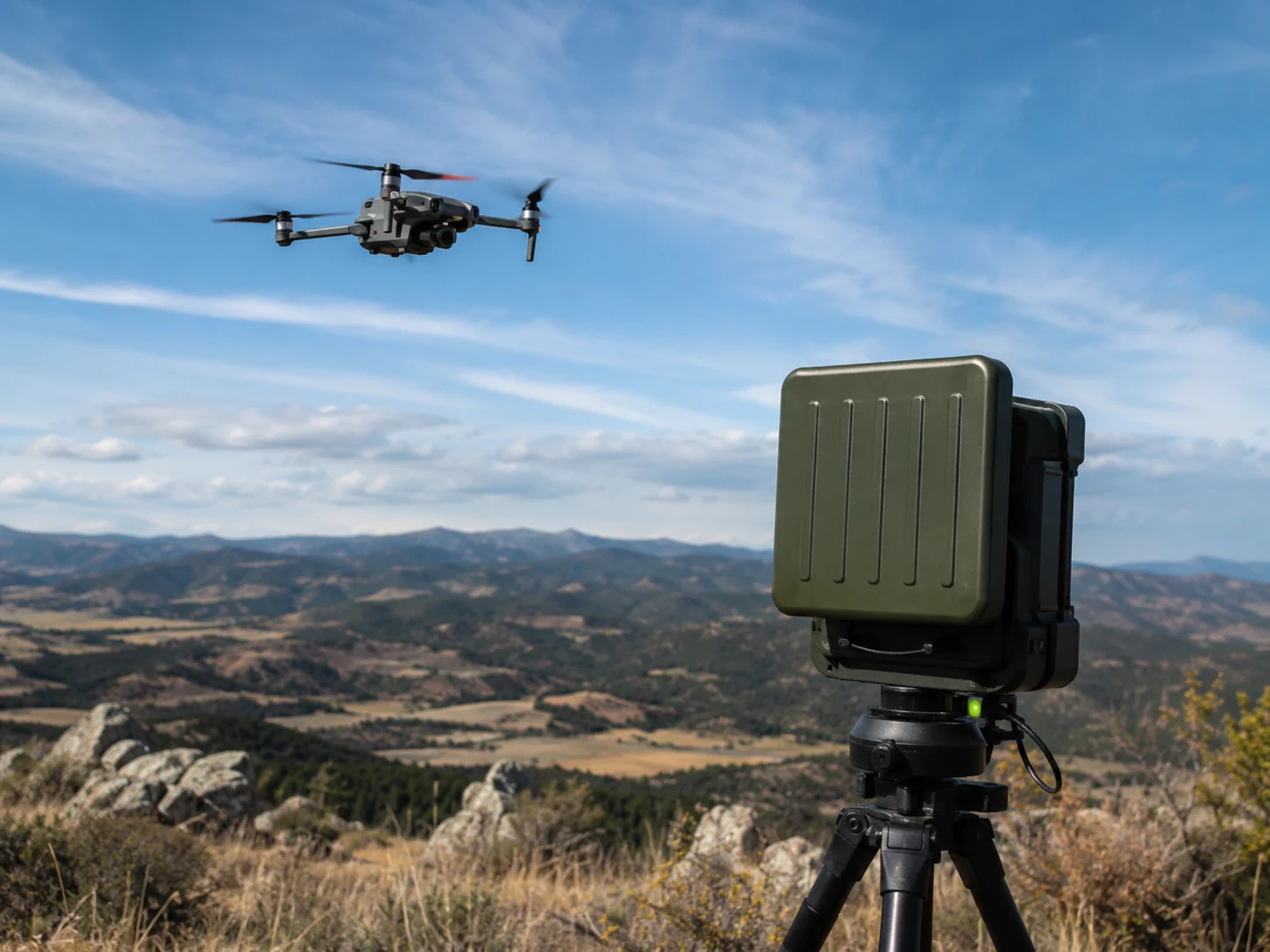
    A counter-UAS system may detect a target with one sensor but lose it before another sensor or operator receives usable context. Coverage testing should measure the complete chain from first detection through classification, tracking, alerting and authorized response.

    Build a three-dimensional coverage model

    Map terrain, buildings, vegetation, reflective surfaces and restricted test areas. Coverage should be described by altitude, range and direction rather than a flat radius. Radar shadowing, RF interference and camera line-of-sight limits rarely share the same geometry.

    Record each sensor’s intended role. Radar may provide initial detection, RF equipment may identify a control link, and cameras may support visual classification. The test should not assume that every technology will observe every target.

    Measure handover between sensors

    Use authorized test flights or approved simulation tools to cross sector and sensor boundaries. Record the time of first detection, track creation, correlation, camera cue, operator presentation and classification. Verify that identifiers remain associated with the same target during handover.

    Test crossing targets and multiple simultaneous tracks. A system may perform well with one cooperative aircraft but merge, swap or drop tracks when trajectories intersect.

    Expose practical coverage gaps

    Vary altitude, speed, direction and approach path within legal and safety constraints. Include routes near rooftops, utility structures and site edges. Repeat tests under different weather and lighting conditions where optical or acoustic sensors contribute.

    Document whether a gap is caused by geometry, detection threshold, network delay, time synchronization or operator workflow. The corrective action may be a sensor move, configuration change or revised response procedure rather than an additional sensor.

    Validate decision and evidence workflows

    Confirm that alerts show location uncertainty, sensor confidence and supporting evidence. Operators should distinguish detection from identification and should understand the legal limits on mitigation. Record acknowledgements, escalation and event export so exercises can be reviewed.

    Counter-UAS testing must follow aviation, spectrum and public-safety rules. It belongs within a controlled Counter-UAS & Airspace Security assurance program, with retesting after sensor relocation, software updates, construction or major changes to the surrounding radio environment.

    Maintain a repeatable test library

    Store approved routes, simulated targets, sensor settings and expected event sequences. Repeat a core subset after software, map, network or camera changes. This makes regression visible and prevents each acceptance test from becoming an unrelated demonstration.

    Review missed and delayed detections with engineering and operations teams. Record the cause, operational consequence and corrective action. Where live flights are not permitted, use vendor-supported injection or replay tools while clearly distinguishing simulated evidence from field performance.

    Measure operator workload during dense scenarios and confirm that priority rules remain understandable. Archive track data, screen recordings and timing logs under controlled access. A final report should distinguish detection coverage, classification confidence and legally authorized response capability.
    Reference sources

  • Perimeter Fence Sensor Seasonal Tuning and Weather Compensation

    Perimeter Fence Sensor Seasonal Tuning and Weather Compensation

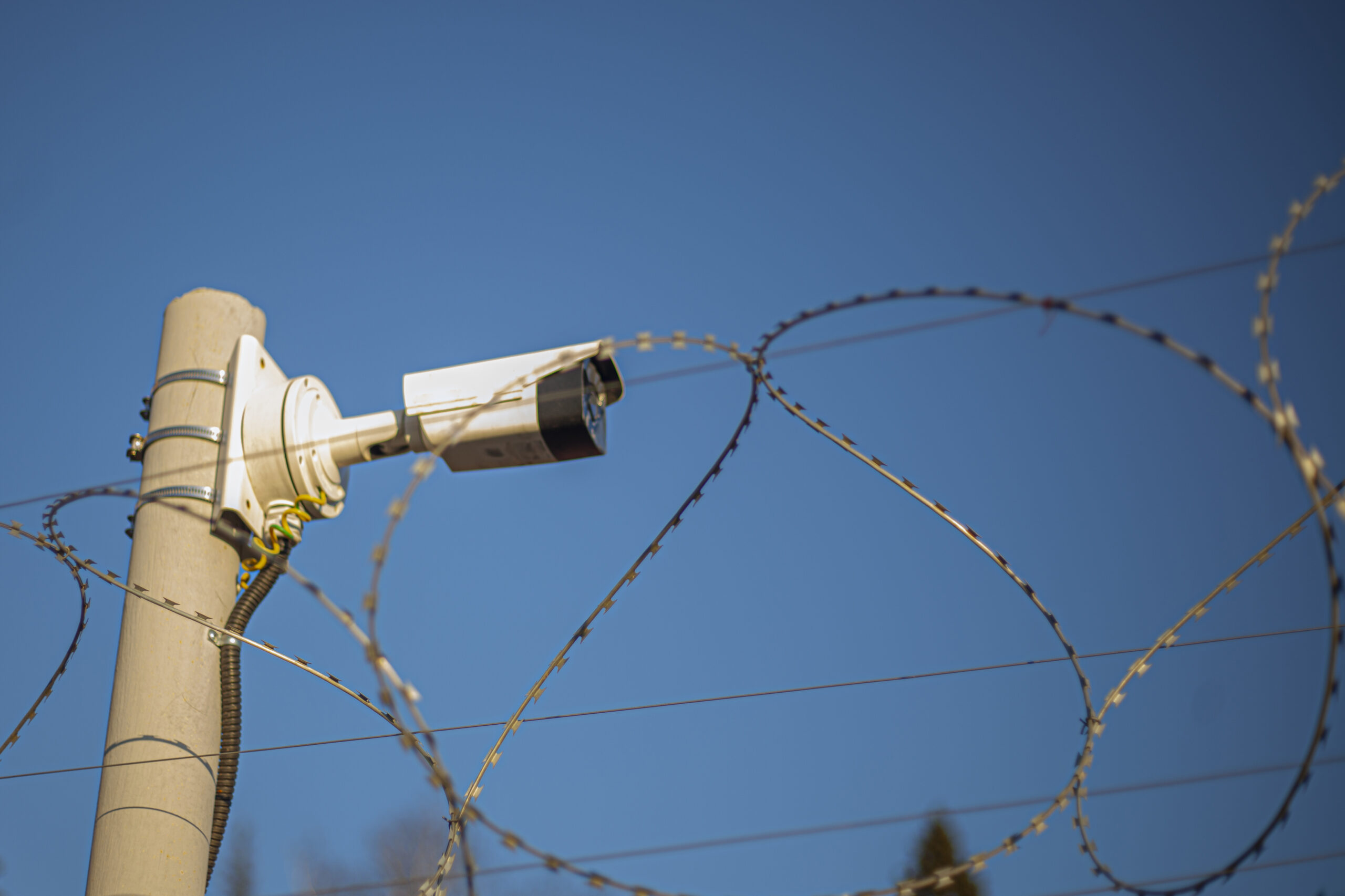
    Fence-mounted sensors respond to mechanical energy, and the fence changes with temperature, wind, vegetation, rain, ice and maintenance activity. Seasonal tuning should reduce nuisance alarms without making climbing, cutting or lifting attacks harder to detect.

    Preserve an accepted baseline

    Record zone length, fence type, sensor configuration, processor settings and accepted test results. Keep representative alarm traces where the system supports them. A baseline allows engineers to compare seasonal behavior without guessing which setting changed.

    Divide the perimeter into zones with similar construction and exposure. A sheltered rigid fence should not automatically share thresholds with a long flexible section facing prevailing wind.

    Collect environmental evidence

    Correlate alarms with wind speed, precipitation, temperature, vegetation contact and nearby operations. Look for repeated activity at the same time or location. A rising nuisance rate can indicate loose fabric, damaged ties, moving signs or branches rather than a processor problem.

    Inspect the physical barrier before changing sensitivity. Tighten or repair the fence, remove unmanaged vegetation and verify sensor attachment. Software compensation should not conceal a mechanical defect that reduces security.

    Retune with controlled intrusion tests

    Change one parameter at a time and repeat approved climb, cut or lift simulations at several points in the zone. Test near the processor, in the middle and at the far boundary. Include boundary handover so an event cannot fall between adjacent zones.

    If adaptive weather compensation is used, verify its limits. The system should not suppress a real intrusion simply because wind is high. Supervisors need visibility when compensation is active and when the processor reaches its maximum adjustment.

    Monitor after the change

    Review alarm rates and confirmed test detections for a defined observation period. Record the reason, old value, new value, authorizer and rollback setting. A successful change should improve nuisance performance while preserving the agreed probability of detection.

    Seasonal tuning belongs within a broader Intrusion & Perimeter Security maintenance program. Repeat it after fence repair, construction, vegetation changes or sensor firmware updates, and retain evidence across seasons.

    Govern threshold changes

    Maintain a change log for every zone, including environmental evidence, approved test method, previous threshold and rollback value. Restrict tuning privileges and require a second reviewer for large sensitivity reductions. Temporary storm settings should expire automatically or generate a supervisor reminder.

    Combine alarm statistics with inspection findings and confirmed intrusion tests. A lower nuisance count is not a success if the system no longer detects the approved attack simulation. Seasonal reports should state both outcomes and identify zones that need mechanical repair or redesign.

    Brief control-room operators before and after tuning so they understand changed alarm behavior. Compare daytime and overnight performance, then review the next severe-weather event. If compensation repeatedly reaches its limit, escalate the zone for barrier repair, sensor relocation or engineering redesign.

    Reference sources

  • Fire Alarm Notification Circuit Load and Voltage-Drop Testing

    Fire Alarm Notification Circuit Load and Voltage-Drop Testing

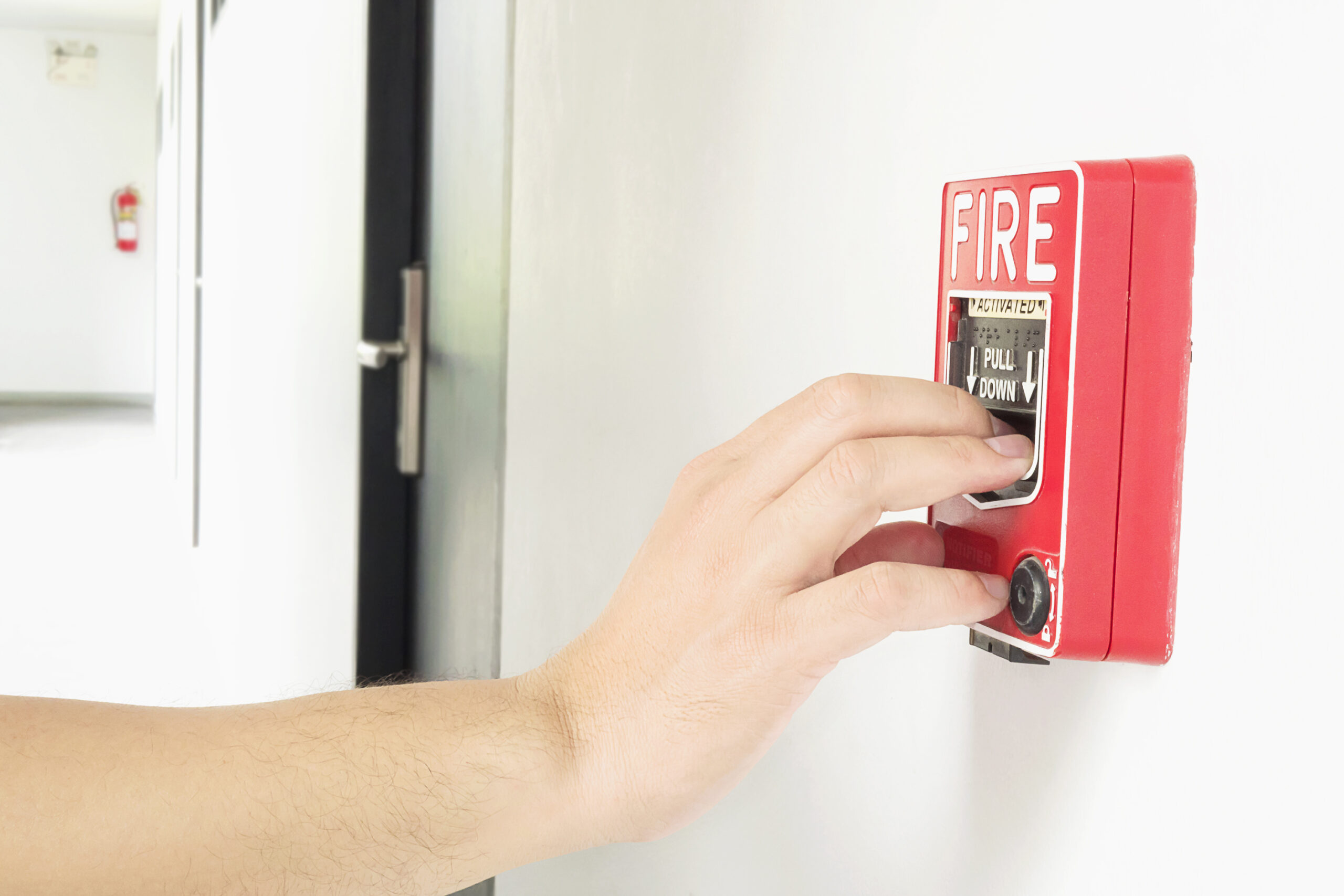
    A notification appliance circuit can appear healthy at the panel yet deliver insufficient voltage at its farthest device during alarm. Commissioning should verify the installed load, conductor path, synchronization and power-source behavior under realistic worst-case conditions.

    Establish the design baseline

    Record the circuit class, conductor size, route length, appliance model, candela or sounder settings and power-supply rating. Compare the installed device count with the approved calculation. Field changes can increase current without appearing in the original drawing.

    Identify boosters, isolators, end-of-line components and any shared pathways. The test plan should state which output pattern will create the highest load and which environmental or battery assumptions apply.

    Measure at the critical point

    Place the system in alarm and measure voltage at the supply and at the electrically farthest notification appliance. Test the actual programmed pattern, including synchronized strobes and temporal sounders. Confirm that each device remains within its listed operating range.

    A no-load continuity measurement is not a substitute for an alarm-state test. Loose terminals, undersized conductors and unexpected splices may only become visible when current increases.

    Include secondary power and synchronization

    Repeat required checks with the system operating from secondary power under the conditions defined by the design and applicable code. Observe whether boosters transfer correctly and whether strobes remain synchronized across power-supply boundaries.

    Where multiple circuits serve one visible area, verify that timing differences do not create confusing patterns. Confirm audibility and visibility separately; acceptable circuit voltage does not prove that the notification objective is met in the occupied space.

    Document defects and retest

    Record panel voltage, end-device voltage, current, appliance settings, battery condition and test time. Link each measurement to a circuit identifier and drawing revision. Corrective actions may include repairing connections, redistributing loads or installing an approved power supply.

    Retest after adding appliances, changing settings, replacing batteries or altering circuit routing. Integrate the results with wider Fire Detection & Automatic Fire Protection maintenance records so future technicians can compare performance rather than relying on a simple pass label.

    Use measurements for lifecycle maintenance

    Trend end-of-line voltage and alarm current across recurring tests. Gradual movement can reveal battery degradation, added appliances or deteriorating connections before a circuit reaches its operating limit. Store readings with the panel configuration and approved drawing revision.

    After corrective work, repeat the worst-case alarm pattern from normal and secondary power. Verify that trouble signals clear normally and that no device remains disabled or bypassed. Maintenance evidence should identify the instrument, calibration status and technician so measurements remain comparable.

    Include representative ambient conditions and occupied-area constraints in the record. Review open deficiencies with the responsible fire-alarm designer or service organization, assign a due date and confirm closure through a witnessed retest rather than an administrative note alone.

    Reference sources

  • Access Control Anti-Passback Testing and Exception Handling

    Access Control Anti-Passback Testing and Exception Handling

    Anti-passback uses access history to prevent a credential from entering or leaving in an impossible sequence. It can reduce credential sharing and improve occupancy records, but a poorly tested rule can also lock out legitimate users or produce a misleading muster list.

    Map the controlled sequence

    Identify every reader that changes a person’s logical location. The map must include primary doors, turnstiles, vehicle gates, accessible routes, emergency exits and service entrances. A door without an exit reader may need a different policy from a fully controlled portal.

    Define whether the system uses hard anti-passback, which denies an invalid sequence, or soft anti-passback, which records an event but permits access. The selected behavior should reflect safety, business continuity and supervision requirements.

    Test normal and abnormal journeys

    Run one credential through valid entry and exit sequences, then test repeated entry, repeated exit and movement between nested zones. Confirm that the event message identifies the credential, reader, previous state and policy decision. Test the same sequence after a controller reboot and after a temporary network interruption.

    Include tailgating scenarios where the physical passage does not match the credential event. Anti-passback cannot reliably detect occupancy when people bypass readers, so doors, turnstiles and procedures must support the logical model.

    Control exceptions and resets

    Document who may reset a credential state, under what evidence and with which audit trail. Reception, security supervisors and system administrators may need different permissions. A bulk reset after an outage should require approval and should not erase the original alarms.

    Define exceptions for visitors, escorts, delivery drivers and emergency responders. Temporary bypasses need an expiry time. Emergency egress must never depend on a successful credential sequence, and life-safety requirements take priority over occupancy accuracy.

    Verify integrations and reporting

    Check how anti-passback events appear in the security operations console, visitor system and muster reports. If access controllers continue operating offline, verify how transactions reconcile when communication returns and whether conflicting states are highlighted.

    Trend denials and manual resets by reader and time. A sudden increase can indicate a failed exit reader, poor user flow or policy abuse. Anti-passback testing should be part of routine Access Control & Identity assurance and repeated after reader, controller, topology or rule changes.

    Maintain an operational baseline

    Keep an approved matrix of readers, zones, rule types and exception owners. Compare monthly denial, override and reset rates with the baseline so recurring defects are visible. A location with frequent manual resets needs investigation rather than a permanently relaxed rule.

    After firmware, database or integration changes, repeat a representative entry and exit sequence, an offline-controller recovery and a supervised exception. Preserve screenshots or event exports with the test record. This evidence helps separate a configuration defect from normal user error and supports controlled rollback.

    Reference sources

  • CCTV Evidence Export Validation and Chain-of-Custody Testing

    CCTV Evidence Export Validation and Chain-of-Custody Testing

    A video export is useful evidence only if authorized recipients can open it, understand its timing and show that it has not changed. Testing should begin before an incident, using the same recorder, client software and removable-media controls that operators will use under pressure.

    Define the export package

    Document which files the system produces: native video, standard-format copies, player software, metadata, checksums and audit logs. A proprietary file may preserve more metadata than a converted clip, while a standard-format copy may be easier for external reviewers. Where policy permits, retain both and record their relationship.

    Include camera name, channel ID, export start and end time, recorder time zone and the operator account used. If the system overlays timestamps, confirm whether the same timing data also exists as metadata. An overlay alone does not explain daylight-saving changes or clock corrections.

    Test playback away from the recorder

    Move the package to a clean workstation that does not have the normal VMS client installed. Confirm that the supplied player launches under approved security controls and that every channel plays through the requested interval. Check seeking, frame stepping, audio where legally authorized and the ability to capture a still without changing the source files.

    Validate codec dependencies and operating-system requirements. A successful playback test on the export operator’s workstation is not enough if police, legal teams or insurers use a different environment.

    Record integrity and custody

    Calculate a cryptographic hash for each exported file and record it in the evidence form. Recalculate after transfer to demonstrate that the copy matches. Restrict write access, use unique evidence identifiers and document each person or system that receives custody.

    The custody record should include date, time, purpose, media identifier, sender and recipient. If a working copy is transcoded or redacted, preserve the original and create a new hash and activity record for the derivative.

    Exercise the complete workflow

    Run periodic drills that start with an incident time and end with independent playback and custody acceptance. Include a camera with a time offset, a long export spanning multiple files and a failed removable medium. These conditions reveal whether operators know how to document exceptions.

    Evidence export assurance belongs within broader Video Surveillance & Imaging governance. Retest after VMS upgrades, storage migration, codec changes or identity-management changes, and keep the accepted procedure under version control.

    Maintain export readiness

    Assign ownership for player validation, removable-media stock, workstation hardening and evidence forms. Review a sample export at scheduled intervals rather than waiting for a major incident. Record the recorder version, client version and player hash so a later investigation can reproduce the accepted environment.

    When an export fails, classify the cause as missing footage, corrupt media, codec incompatibility, authorization failure or operator procedure. Track corrective actions to closure and repeat the complete test. A successful retest should include both technical playback and custody documentation.

    Reference sources

  • Security System MTTR Metrics and Critical Spare Parts Planning

    Security System MTTR Metrics and Critical Spare Parts Planning

    Security availability depends on more than failure rate. A device that fails rarely can still create unacceptable exposure if repair takes weeks because the part, configuration or specialist is unavailable. Mean time to repair and critical-spares planning connect maintenance records with operational risk.

    Define repair time consistently

    Choose when the MTTR clock starts and stops. Useful stages include detection, ticket creation, diagnosis, parts arrival, physical repair, configuration and verified return to service. One overall average can hide delays caused by logistics or approval.

    Separate active repair time from waiting time while retaining both. A technician may replace a camera in an hour after the correct model arrives, but a ten-day procurement delay still affects service availability.

    Rank assets by operational consequence

    Classify devices and components according to the function they support. A recorder power supply, access controller, fire-network card or perimeter processor may affect many downstream points. Spares should follow consequence and lead time, not simply the number of devices installed.

    Include software licenses, certificates, configuration backups, mounting hardware and compatible power supplies. A shelf containing the main device is not a complete recovery capability if activation keys or approved firmware are unavailable.

    Use failure history without overfitting

    Review faults by model, age, environment and cause. Repeated failures may justify additional stock, but they may also indicate heat, power quality, water ingress or poor installation. Buying more of the same component does not correct a systemic cause.

    Track parts consumed, returned and found defective. Rotate stock where batteries, seals or other components age in storage. Verify that replacement models remain interoperable with the deployed platform before older parts become unavailable.

    Test the recovery process

    Run controlled replacement exercises for selected critical assets. Confirm access to backups, credentials, firmware, tools and test equipment. Measure restoration through functional read-back rather than ending the clock when hardware powers on.

    Review MTTR trends with service-level targets and temporary mitigations. A bypassed zone or borrowed camera may reduce immediate risk but should not close the permanent repair ticket. Maintenance metrics support broader Industrial Safety & Monitoring resilience when they expose where staffing, logistics or configuration control delays recovery.

    Govern inventory and obsolescence

    Assign ownership for minimum stock, storage conditions, firmware compatibility and replenishment. Review manufacturer end-of-sale and end-of-support notices so a critical spare does not depend on an unavailable model or unsupported software branch.

    Quarterly inventory checks should compare physical stock with maintenance records and planned projects. Reserve critical parts for restoration rather than allowing project work to consume them without replacement. The resulting evidence connects spare holdings to actual risk, repair history and tested recovery capability.

    Record substitutions and compatibility decisions. An emergency replacement should not become an undocumented permanent configuration that future maintenance teams cannot reproduce.

    Reference sources

  • Radar-to-Camera Cueing Latency and Handover Validation

    Radar-to-Camera Cueing Latency and Handover Validation

    Perimeter radar can detect and track movement beyond a camera’s fixed view, while a PTZ camera supplies visual verification. The integration is useful only when the camera receives the correct track, arrives quickly enough and keeps the target in view. Acceptance testing should measure the entire handover from detection to operator presentation.

    Define the latency budget

    Break the workflow into radar detection, track confirmation, network delivery, integration processing, PTZ movement, focus and video display. Measuring only the camera’s preset time hides delays elsewhere. Record timestamps from each component using synchronized clocks.

    The acceptable total depends on target speed, range and response purpose. A delay that is acceptable for a walking person may lose a fast vehicle before useful video appears.

    Test geometry and calibration

    Verify radar coordinates, camera location, height, orientation and field of view. Small calibration errors become larger at distance. Test targets at the center and edges of coverage, near zone boundaries and at elevations that differ from the calibration path.

    Confirm how the system chooses between cameras and how it handles overlapping coverage. The nearest camera may not provide the clearest view if structures, vegetation or lighting obstruct the line of sight.

    Exercise track handover

    Use representative people and vehicles moving toward, across and away from the perimeter. Record whether the PTZ reaches the target, how long it maintains the track and what happens when two targets are present. Check transitions between radar sectors or camera responsibility zones.

    Operator displays should preserve track identity when the camera changes. If identifiers are reassigned or merged, responders may follow the wrong target. Video bookmarks and alarm records should retain enough metadata to reconstruct the sequence.

    Validate degraded operation

    Remove a camera, delay metadata or interrupt the radar connection using an approved test. Confirm that the platform reports the degraded state and uses a defined fallback instead of silently showing an unrelated preset. Manual operator control should remain available where the response plan requires it.

    Store accepted latency, calibration data, routes and environmental conditions as a baseline. Repeat after firmware, network, mast or landscape changes. Radar-camera handover belongs within Physical Security assurance because detection, visualization and response must function as one chain.

    Monitor performance after acceptance

    Trend cueing latency, lost tracks, manual overrides and camera-unavailable events. A rising delay can indicate network congestion, integration processing load or mechanical PTZ wear. Establish thresholds that trigger investigation before operators stop trusting automatic handover.

    Preserve representative test routes and target speeds for periodic checks. Seasonal vegetation, new structures and lighting changes can alter visibility even when radar coverage is unchanged. A repeatable route allows the team to distinguish environmental change from software or calibration drift.

    Review representative recorded incidents with operators. Their observations can expose framing or handover problems that automated health monitoring cannot identify.

    Reference sources

  • Fire Alarm Ground-Fault Isolation and Circuit Restoration Testing

    Fire Alarm Ground-Fault Isolation and Circuit Restoration Testing

    A ground fault occurs when a supervised fire-alarm conductor makes an unintended connection to earth or grounded metal. The panel may continue operating while reporting trouble, but the fault can reduce supervision reliability and complicate a second fault. Troubleshooting should preserve life-safety coverage and produce evidence that the repaired circuit is stable.

    Start with impairment control

    Notify the responsible parties before disconnecting circuits or devices. Define compensating measures, monitoring arrangements and restoration responsibilities. Troubleshooting should not quietly leave notification appliances, initiating devices or communication paths unavailable.

    Record the panel message, affected node, time and recent work. Moisture, damaged insulation, pinched cables, contaminated devices and incorrect shielding are common contributors. A history of intermittent trouble can help narrow the environmental cause.

    Divide the circuit methodically

    Use approved drawings and isolate sections in a controlled sequence. Observe when the fault clears, then narrow the search within that branch. Avoid random disconnection because it can create additional trouble states and make the original condition harder to reproduce.

    Inspect junction boxes, outdoor devices, cable entries and locations affected by construction or water. Shield and drain conductors require particular attention because an unintended bond can produce confusing measurements.

    Verify the repair under operating conditions

    After correcting the cause, reconnect the circuit and confirm that the panel returns to normal. Operate representative devices beyond the repair point, verify notification or control outputs and confirm remote annunciation and monitoring communication.

    Intermittent faults may disappear when a box is opened or a cable is moved. Where practical, repeat the conditions that previously triggered the trouble and monitor the circuit long enough to establish stability.

    Close the impairment with evidence

    The service record should identify the affected circuit, isolation steps, cause, repair, test devices and final panel state. Update drawings if field wiring differed from the documentation. Remove temporary bypasses and confirm that all disabled points are restored.

    Ground-fault management is part of the broader Fire & Safety maintenance program. The objective is not merely to silence a trouble buzzer; it is to restore supervision, device operation and reliable fault reporting without leaving hidden changes in the system.

    Prevent repeat faults

    Review the repair with recent construction, cleaning, weather and water-ingress records. If several circuits show similar trouble, investigate shared pathways, power supplies and bonding practices rather than treating every alarm as an isolated cable defect.

    Trend ground-fault frequency, duration and affected location. Repeated short-lived faults deserve investigation even when the panel returns to normal before a technician arrives. Photographs, meter readings and the exact isolation sequence improve the next response and help determine whether cable replacement or environmental remediation is justified.

    Include restored supervision and monitoring confirmation in the closeout record. A stable normal condition should be observed at the panel and remote receiving point before the impairment is formally released.

    Reference sources

  • Request-to-Exit Sensor Testing for Access-Controlled Doors

    Request-to-Exit Sensor Testing for Access-Controlled Doors

    A request-to-exit sensor tells an access-control system that a person is leaving through a controlled opening. If detection is late or unreliable, the door may remain locked, generate a forced-door alarm or create an unsafe egress condition. Testing should cover the sensor, controller logic, lock and door-position contact as one sequence.

    Confirm the intended egress design

    Identify whether the opening uses a motion sensor, push button, touch bar, lock hardware signal or a combination. The approved life-safety design and local requirements determine which device releases the lock and which signal only suppresses an alarm.

    Document the detection area and expected approach paths. A sensor aimed too broadly may unlock the door when people merely pass nearby. A narrow field can miss someone approaching from the side or using a mobility aid.

    Test timing and state correlation

    Approach the door at different speeds and angles. Record when the request signal appears, when the lock releases and when the door-position contact changes. The release must occur early enough for normal egress without leaving an unnecessarily long unlocked interval.

    Verify that a valid request suppresses the forced-door alarm only for the intended door and time window. The system should still generate a held-open condition if the opening remains unsecured beyond the approved delay.

    Exercise failure conditions

    Disconnect or obstruct the sensor using an approved test method and confirm whether the fault becomes visible. Test controller communications loss, power transfer and fire-alarm interface behavior. The expected fail-safe or fail-secure state must match the approved design rather than an installer’s assumption.

    Check tailgating and repeated passage. One request may allow several people to exit, but it should not mask a later unauthorized opening after the timer expires. Review audit logs to confirm that request, release, door opening and restoration are recorded in a useful order.

    Maintain a controlled baseline

    Record sensor model, location, detection field, delay values, lock behavior and test results. Repeat after ceiling work, furniture changes, door-hardware replacement or nuisance-alarm complaints. Seemingly minor environmental changes can alter motion detection.

    Request-to-exit assurance supports the wider Access Control & Identity program. A passing test proves more than sensor activation: it shows that safe egress, alarm classification, evidence logging and physical relatching remain coordinated.

    Review event data after commissioning

    Track forced-door alarms, egress requests and held-open events by opening. A rise in forced alarms may indicate sensor misalignment, a changed approach path or controller timing rather than intentional misuse. Use the event sequence to decide whether hardware, configuration or user behavior needs correction.

    Keep approved timing values and test evidence with the door record. Temporary overrides should have an owner and expiry time. Periodic testing should include the normal exit path and a controlled failure scenario so the site can demonstrate both safe release and accurate alarm classification.

    Reference sources

  • Security Intercom Intelligibility Testing for Entrances and Help Points

    Security Intercom Intelligibility Testing for Entrances and Help Points

    A security intercom can establish a call while still failing its operational purpose. Reverberation, traffic, wind, microphone placement and network delay can make instructions difficult to understand. Acceptance testing should measure the complete conversation between the field station and the responding operator under realistic conditions.

    Define the communication task

    List what users and operators must exchange: identity, destination, assistance request, emergency instruction or access decision. Entrance intercoms may need clear two-way conversation, while a help point may also need conspicuous call initiation, reassurance and hands-free operation.

    Document expected users, including people with hearing or speech limitations and people unfamiliar with the site. A test performed only by installers standing close to a quiet unit does not represent normal operation.

    Test the acoustic environment

    Measure or characterize background noise during representative periods. Vehicle lanes, loading docks, railway platforms and machinery areas can change dramatically through the day. Repeat calls with doors open and closed, nearby equipment operating and wind protection in its normal condition.

    Verify microphone and loudspeaker placement. A camera view may show the caller while the microphone sits too far away or points toward a noise source. Check for clipping, echo, feedback and automatic gain behavior when the caller moves or speaks softly.

    Validate the full call path

    Test call initiation, routing, operator answer, duplex conversation, transfer, recording where authorized and termination. Confirm what happens if the primary workstation is unavailable or the network is congested. Delay can cause people to talk over each other even when audio quality is otherwise acceptable.

    Where access is released from the intercom workstation, verify that operators receive the correct camera and door context before acting. An intelligible conversation does not compensate for a call routed to the wrong entrance.

    Record repeatable evidence

    Use a consistent script and test positions so later results can be compared. Record the station ID, time, environmental condition, operator endpoint, network path and observed defects. Objective speech metrics may support testing, but a task-based listening test remains important for the actual operating environment.

    Repeat tests after firmware changes, network redesign, station replacement or changes to the surrounding space. Intercom assurance belongs within broader Access Control & Identity commissioning because a clear call is often the evidence an operator uses to grant entry or dispatch assistance.

    Use intelligibility results for maintenance

    Trend repeat calls, abandoned calls and operator requests for repetition. These indicators can reveal gradual microphone contamination, loudspeaker damage or network jitter before the station fails completely. Keep accepted audio settings under change control and retest after gain, codec or noise-cancellation changes.

    Clean and inspect field stations according to environmental exposure. Confirm labels, tactile controls and status indicators remain legible. A maintenance visit should end with a complete call to the normal receiving position, not only a local tone check.

    Reference sources