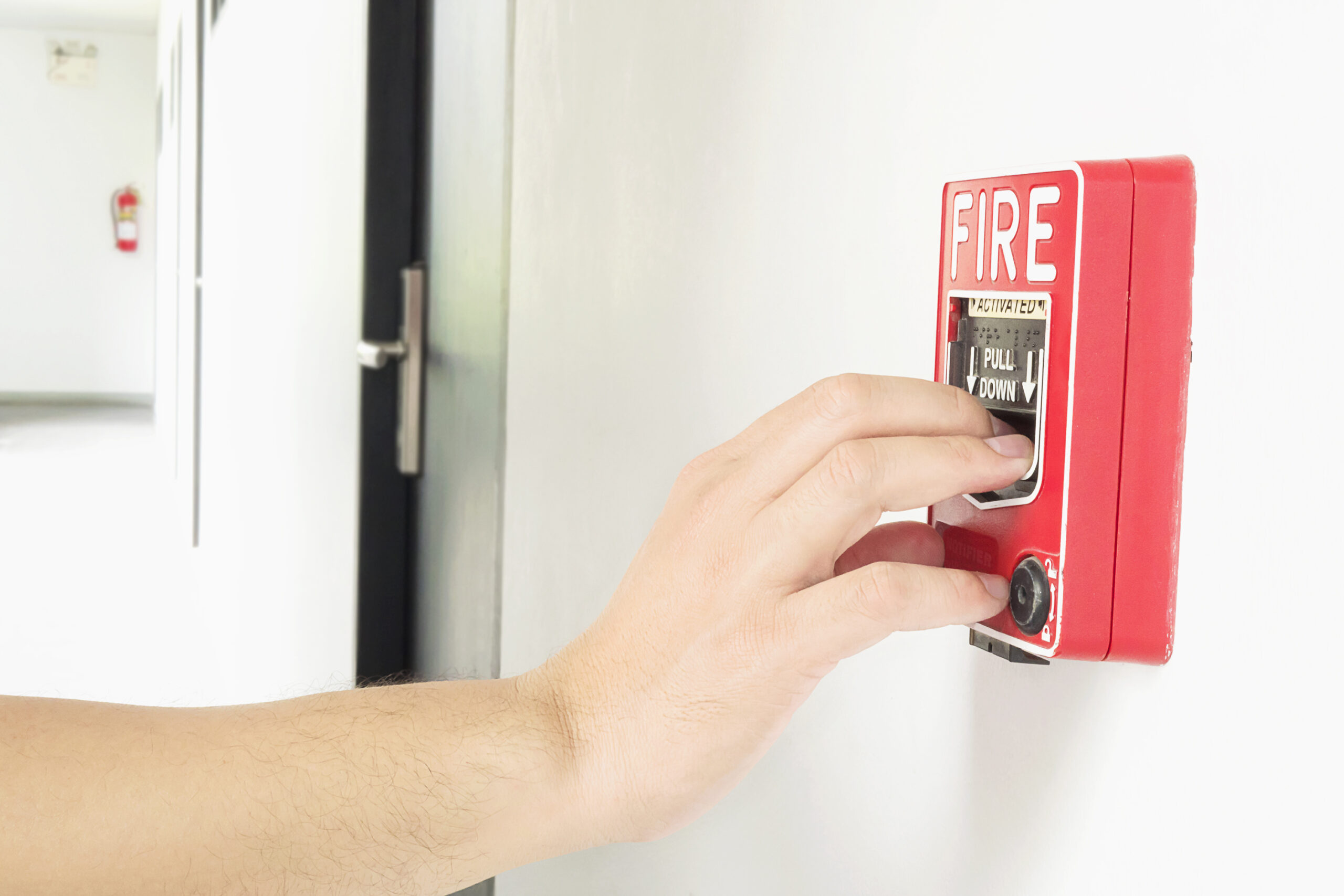
A duress alarm is a mechanism that lets a person request help without the person threatening them realizing a call for assistance has been made. That single design requirement, covertness, separates duress and panic notification technology from ordinary alarms, where the point is usually to deter an intruder with noise and light. Duress systems are built around the opposite assumption: that the safest response is often a silent one, routed to security staff, a monitoring center, or law enforcement while the situation on the ground looks unchanged.
The central design tradeoff in any duress program is between fixed and wearable (or mobile) devices, and it maps directly onto a tension between false-alarm risk and responsiveness. A hardwired under-desk button at a reception counter is reliable, hard to lose, and simple to test, but it only protects the person standing at that counter. A wearable badge or mobile app travels with a housekeeper, nurse, or retail associate into exactly the isolated spaces, guest rooms, stockrooms, single-patient rooms, where help is least likely to arrive on its own. That mobility comes at the cost of more variables: battery charge, wireless coverage, accidental activation, and indoor location accuracy all become the program’s weak points instead of the building’s wiring.
Device Types and How the Technology Works
Most commercial duress deployments combine two or three device classes. Fixed devices, under-desk buttons, foot pedals, and panic switches wired into a security panel, use a dedicated, supervised circuit so the monitoring system can detect a cut wire or a dead battery as a fault condition, not silence. Wearable devices (lanyard badges, wristbands, or clip-on transmitters) typically use Bluetooth Low Energy, proprietary RF, or Wi-Fi to communicate with a facility gateway or directly with a mobile app, and increasingly include basic indoor positioning (RF triangulation, Wi-Fi access-point proximity, or Bluetooth beacons) so a responder gets something more useful than “the alarm went off somewhere in the building.” Mobile-app-based panic buttons turn an employee’s existing smartphone into the trigger, which lowers hardware cost but depends on the phone being charged, unlocked quickly, and carried on the person rather than in a bag or locker. Activation methods vary by design intent: a single discreet button press, a sustained hold (to filter out accidental taps), or a motion gesture such as shaking the device, which some systems use specifically so an employee’s hands never have to look like they’re doing anything unusual.
Integration with Access Control, Video, and Monitoring
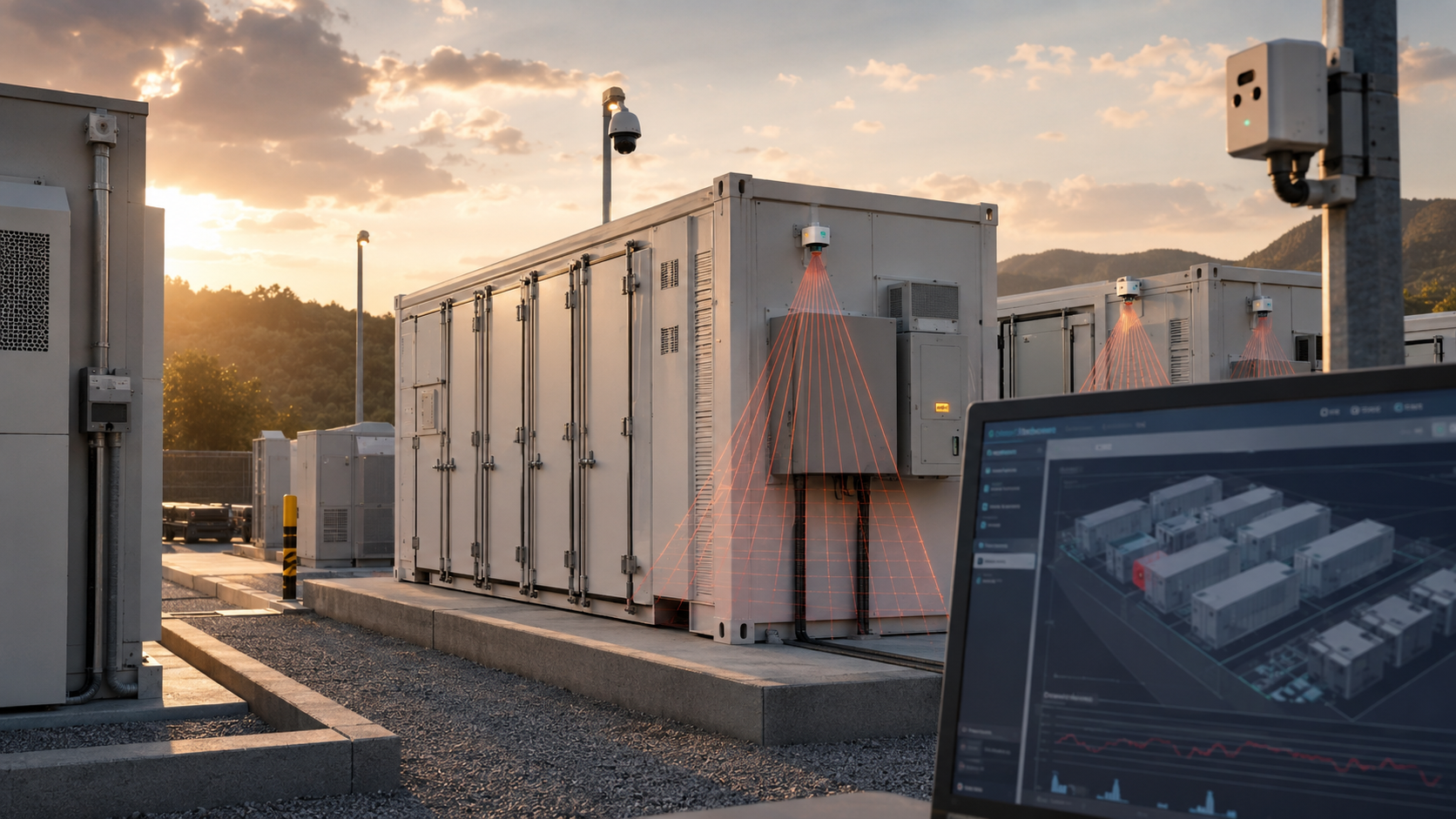
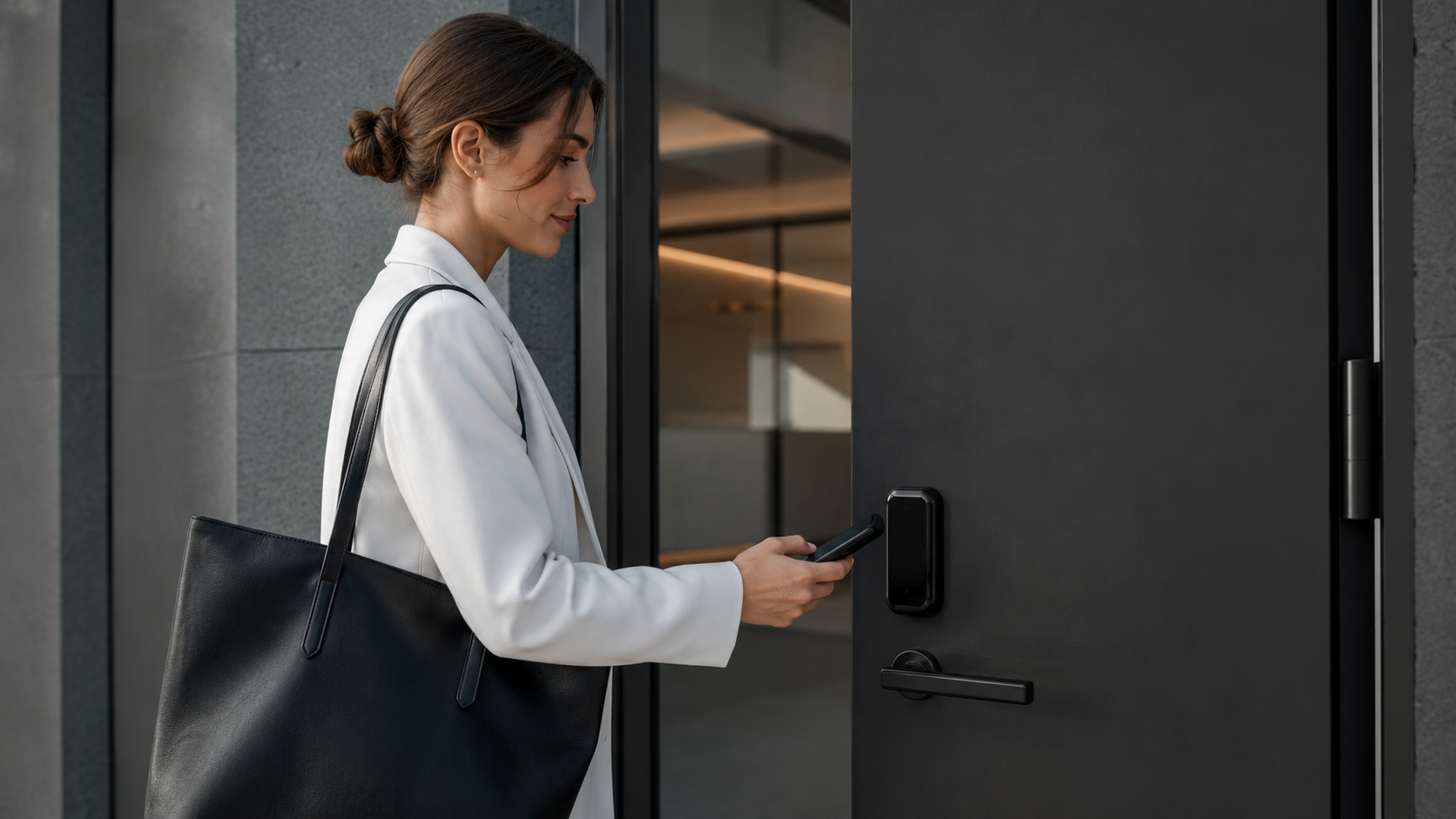
A duress button is only as useful as what happens after it is pressed, which is why integration with the rest of the security stack matters more than the device itself. Tied into an access control system, a duress event can automatically lock down affected doors, unlock an escape route, or restrict credential use in the area around the alert. Tied into a video management system (VMS), the same event can auto-call the nearest camera feeds, bookmark the clip, and push a still frame to the operator console so a dispatcher can get visual confirmation before committing a response, important for separating a genuine emergency from an accidental trigger. Tied into the monitoring and dispatch layer, the alert should carry enough context (device ID, employee name, nearest access point, and location estimate) to route automatically to the correct responder, whether that’s an on-site guard force, a security operations center, or, for life-safety events, local emergency services directly. For related alarm response guidance, see SectechMedia’s guide to security alarm escalation matrices.
Common Failure Modes and Limitations
Duress systems fail in predictable ways. Wireless coverage gaps in stairwells, basements, and steel-frame buildings can silently prevent a wearable device from reaching its gateway, and because the failure is invisible to the user, it often isn’t discovered until a real event goes unanswered. Battery management is a chronic operational burden: a device that isn’t charged or doesn’t report low-battery status to a central dashboard provides a false sense of coverage. Indoor location accuracy is typically room- or zone-level at best, which is adequate for dispatching a responder to the right hallway but not precise enough to replace a verbal or visual description of the situation. False-alarm rates are the other persistent problem, a system tuned to trigger too easily trains staff and responders to treat alerts as noise, which is itself a safety failure, while a system tuned to avoid false alarms risks requiring too many steps to activate under stress. Finally, any duress system is only as good as its testing cadence and its escalation procedure; a correctly firing alarm that reaches an unmonitored mailbox or an untrained front-desk employee provides no protection at all.
Regulatory and Compliance Context
Hospitality has become the leading edge of panic-button regulation in the United States, driven by the specific risk profile of housekeepers and other staff who work alone in closed guest rooms. Illinois’s Hotel and Casino Employee Safety Act requires hotels and casinos to equip employees assigned to guest rooms, restrooms, or casino floors with a portable notification device that can summon on-site security or management. New Jersey and Washington State have enacted comparable statewide requirements aimed at isolated hospitality workers, and a growing list of city ordinances, including in Chicago, Los Angeles, Seattle, and other jurisdictions, impose similar mandates at the municipal level, typically at no cost to the employee. New York City’s Safe Hotels Act, signed into law in November 2024, requires covered hotels to provide panic buttons to core employees who enter occupied guest rooms, with the device required to share the employee’s location with on-site staff. There is no single federal panic-button mandate; OSHA’s general duty clause and its published guidance on workplace violence prevention treat devices like panic buttons as one control among several (alongside staffing, lighting, and training) rather than a standalone compliance requirement, which means organizations outside a specific state or city mandate should treat duress technology as a risk-reduction measure, not a checkbox.
Deployment Checklist
- Map isolated-work locations and tasks first (guest rooms, single-staff counters, loading docks) before selecting fixed, wearable, or app-based devices.
- Verify wireless coverage and indoor positioning accuracy in the actual building, including stairwells, basements, and metal-frame areas, not just open floor plans.
- Define activation methods that work under stress, single press, sustained hold, or gesture, and confirm they can’t be triggered by normal handling.
- Integrate alerts with access control (lockdown/unlock rules) and VMS (auto camera call-up) rather than routing duress events as a standalone notification.
- Establish a monitored, trained escalation path for every alert, including after-hours and weekend coverage, before going live.
- Set a recurring test and battery-check schedule, and treat failed self-tests as maintenance tickets, not background noise.
- Confirm the deployment meets applicable state or municipal panic-button requirements for the facility’s jurisdiction and document compliance.